
Land Kit works for everyone.
Land Kit now works for people embracing AI, for those who are not, and for everyone in between. Our team builds solutions and provides support for all kinds of situations. Here is what our latest release has in store.
For people who want an improved process, our updated Workflows introduce a better user experience with a keener eye on customization.
For people building scripts with AI, this release allows better integration with LLM tools in Rhino.
Land Kit 2.3 supports it all, providing better functionality and more reliable components than ever before.
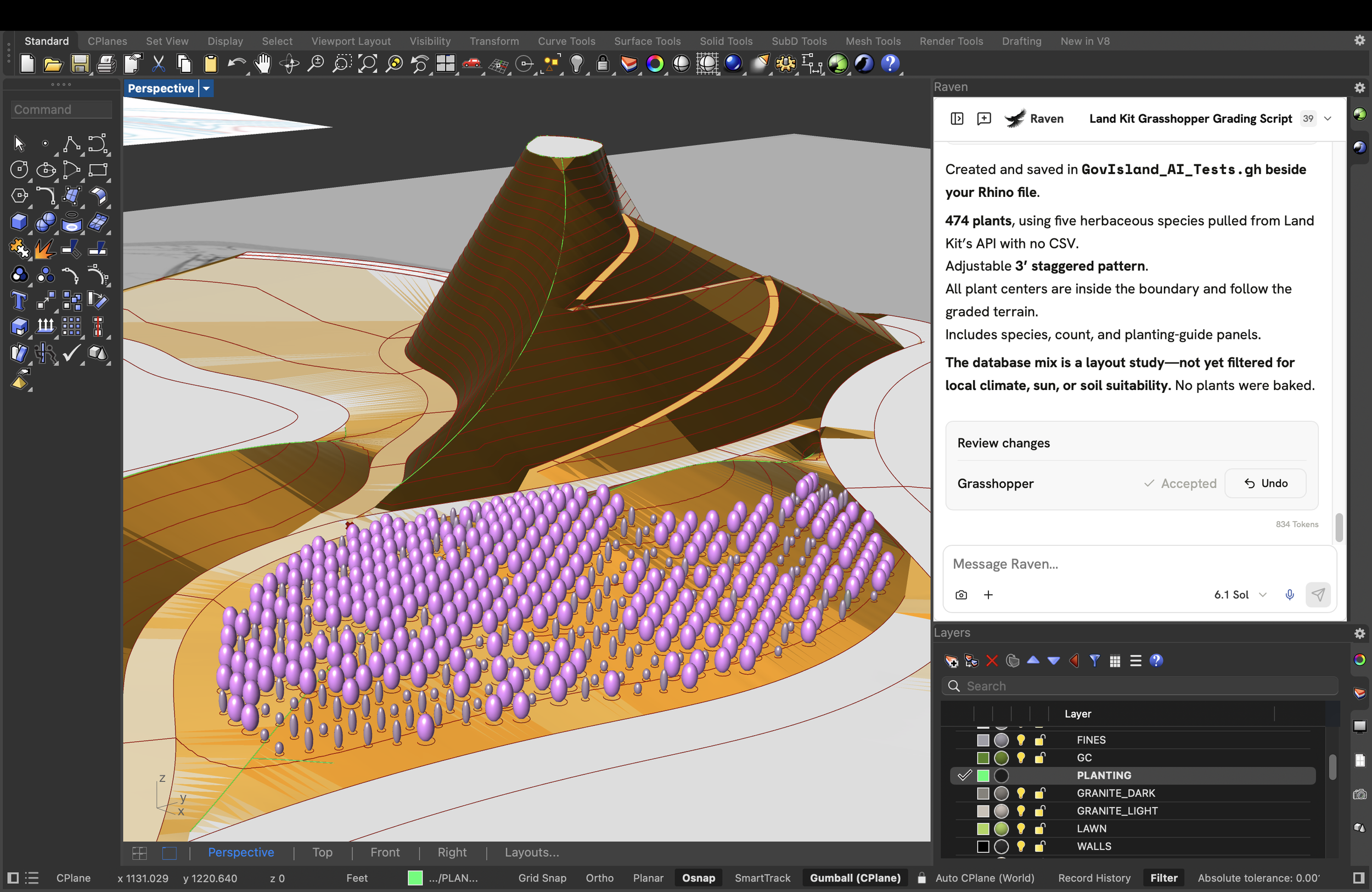
Using Raven AI assistant for Rhino with Land Kit
User-Friendly Workflows
Land Kit Workflows provide a highly flexible solution for designing landscapes in 3D in Rhino all within a friendly interface. In addition to an ever-improving, ever-supported system of work, the 2.3 Workflows introduce two great ways to customize your process .
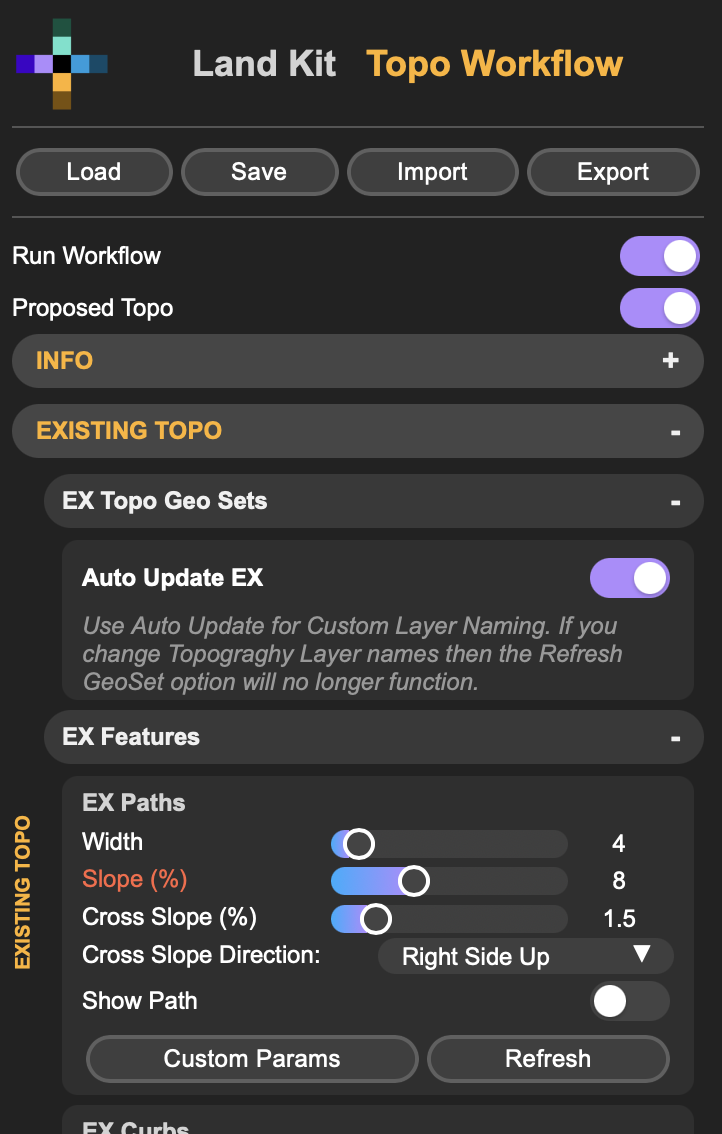
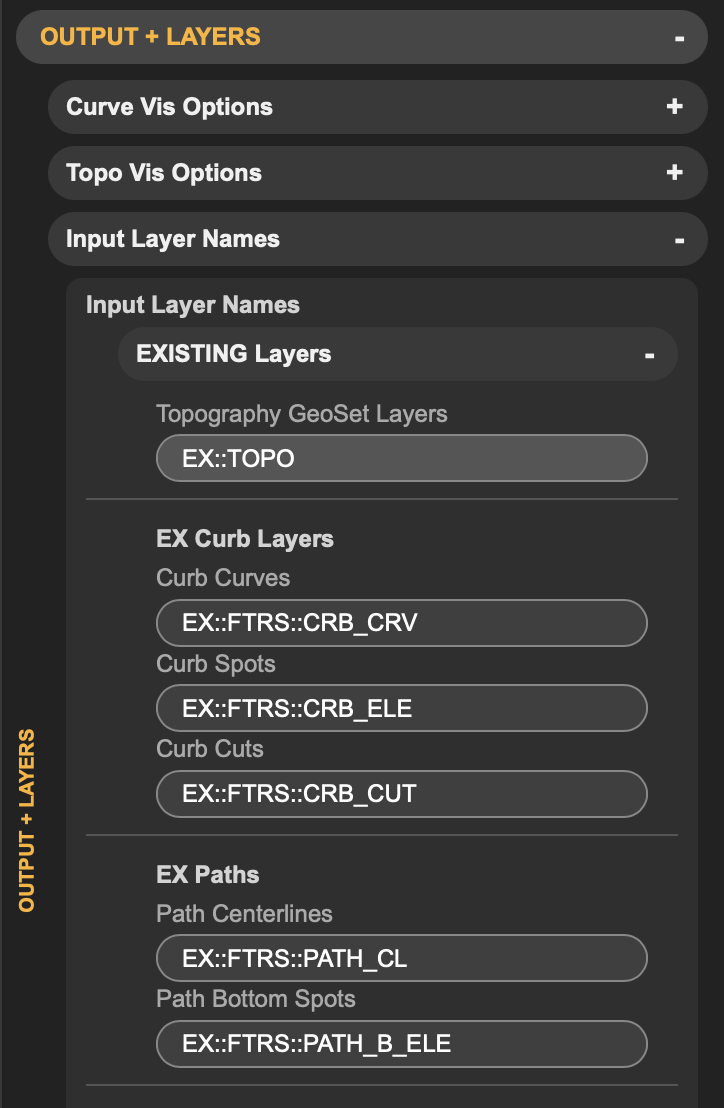
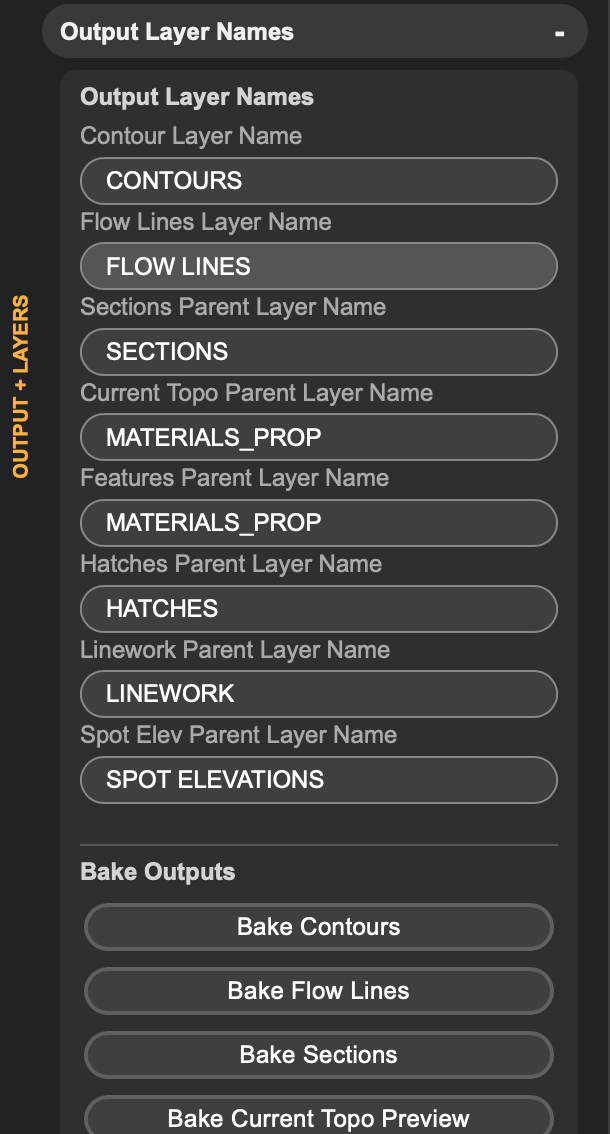
Custom Layer Names - Choose your own names for both input and output layers. You can pick the layer names that are right for your process.
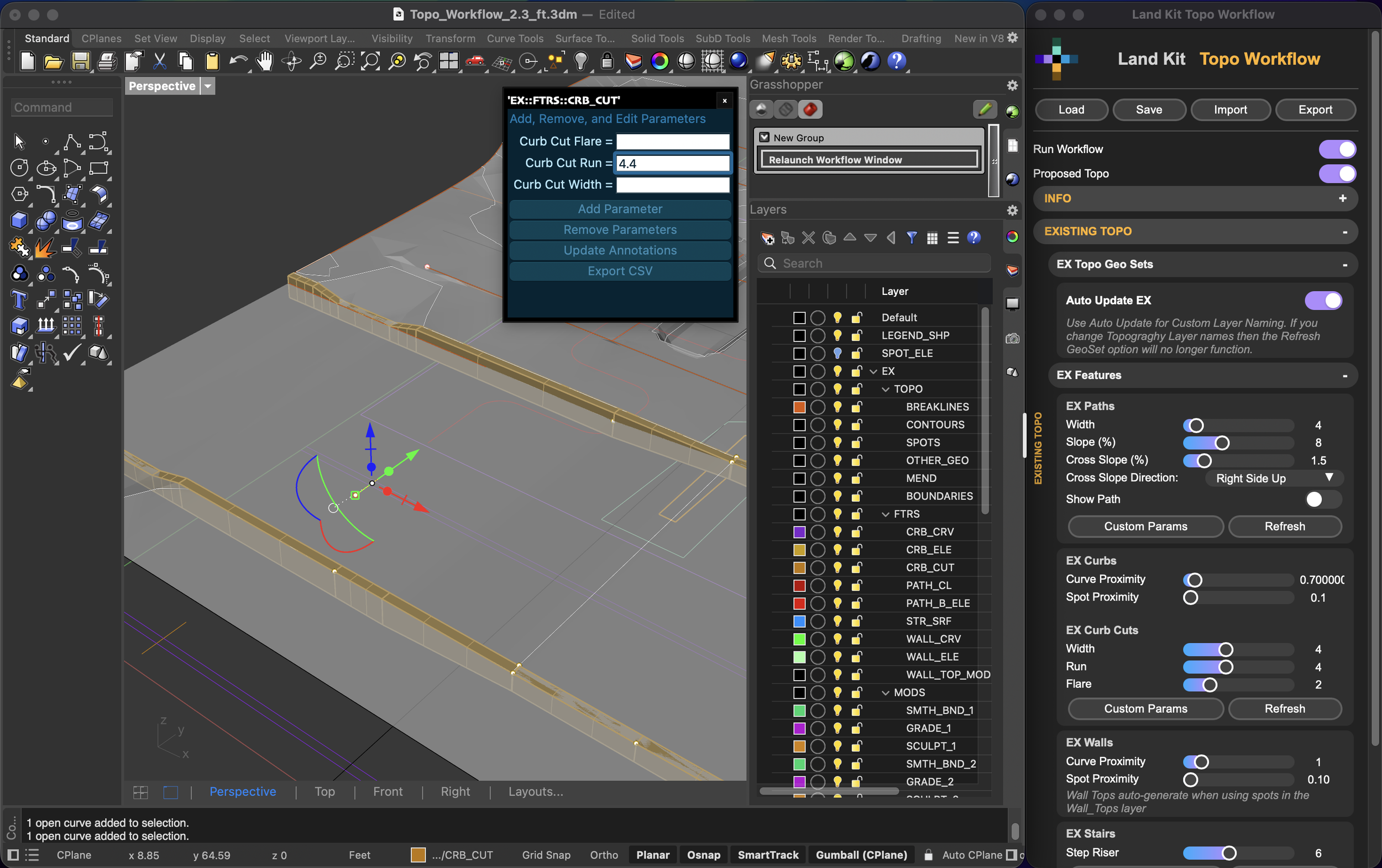
Custom Parameters - Change parameters for each control geometry for “features” like Paths or for “mods” like Grade Topo. This works especially well for cross slopes and path chains.
Our workflows are now easier to navigate. We tightened up the UI and added contextual labels to keep you oriented.
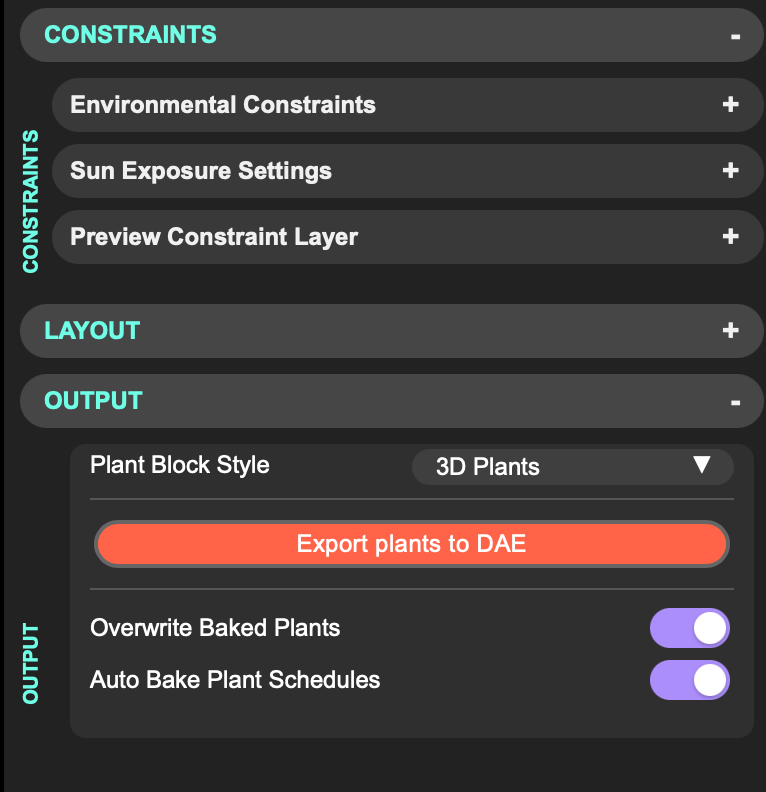
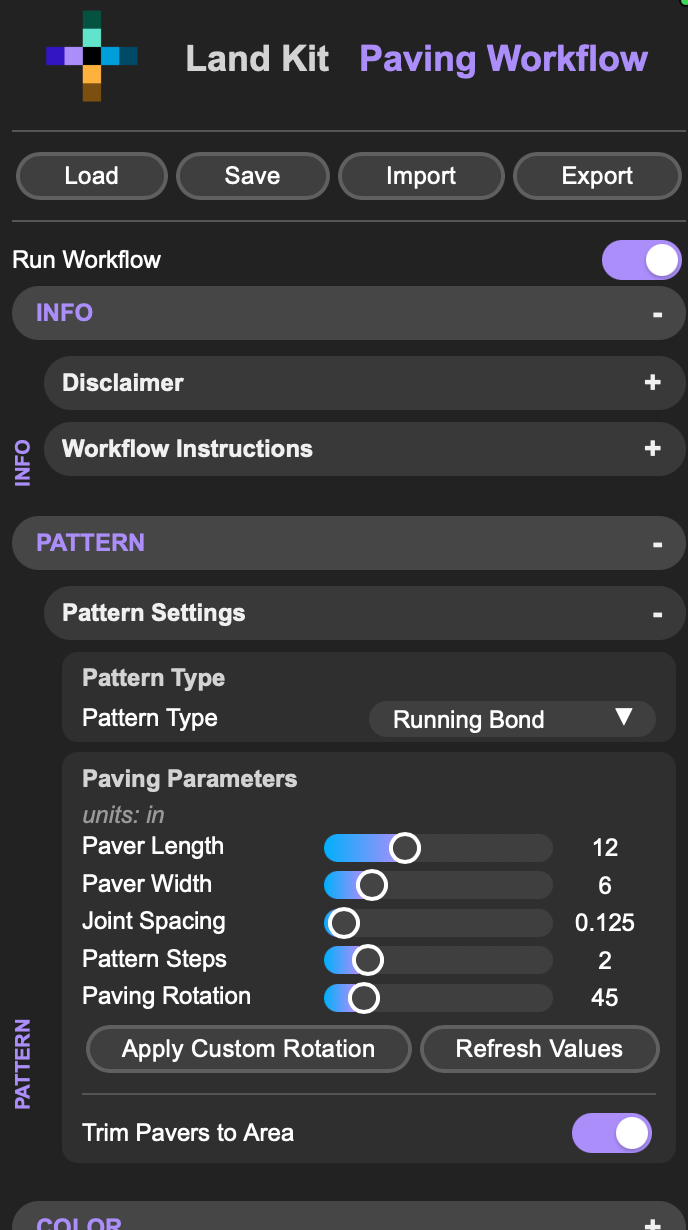
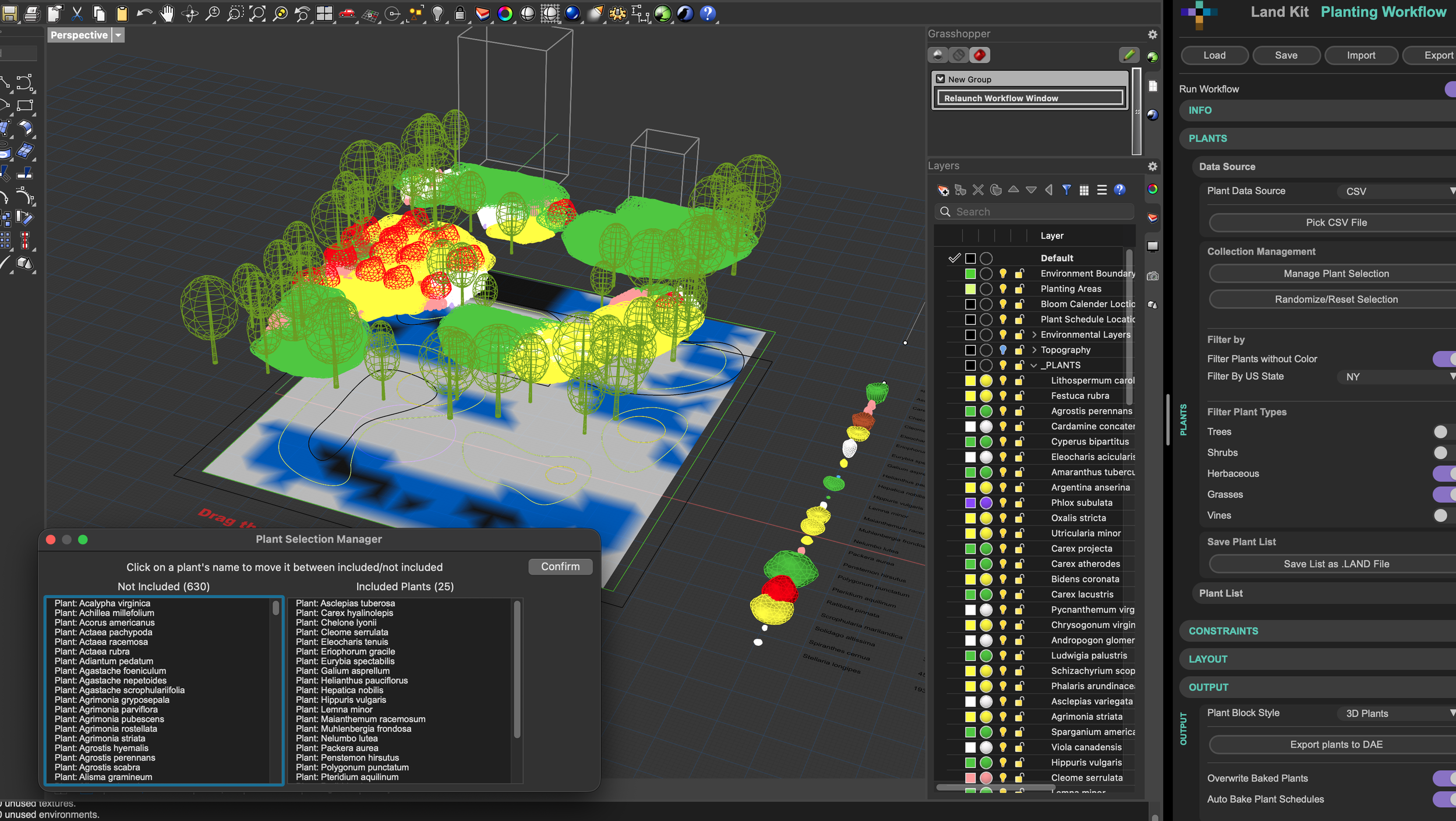
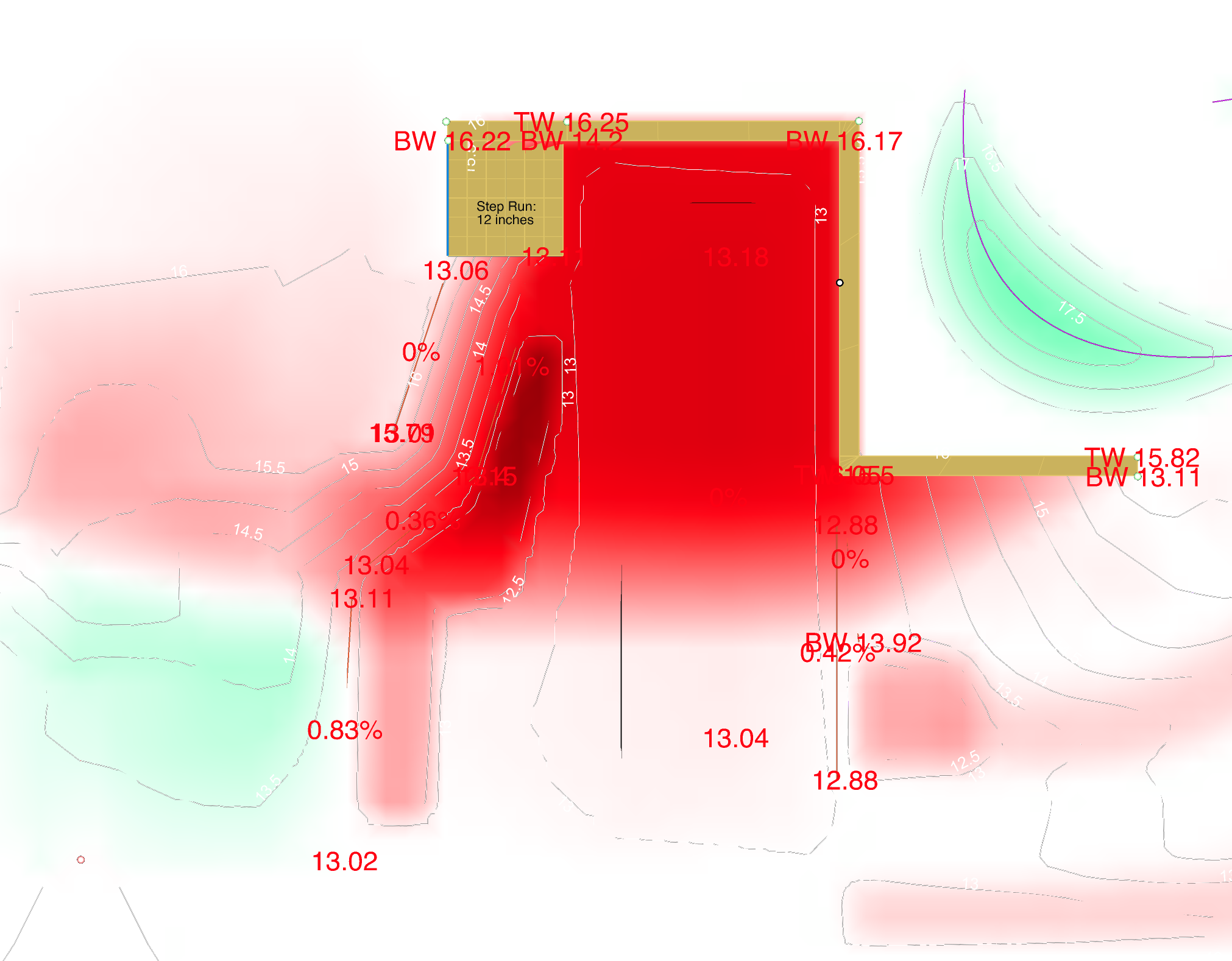
Other Improvements
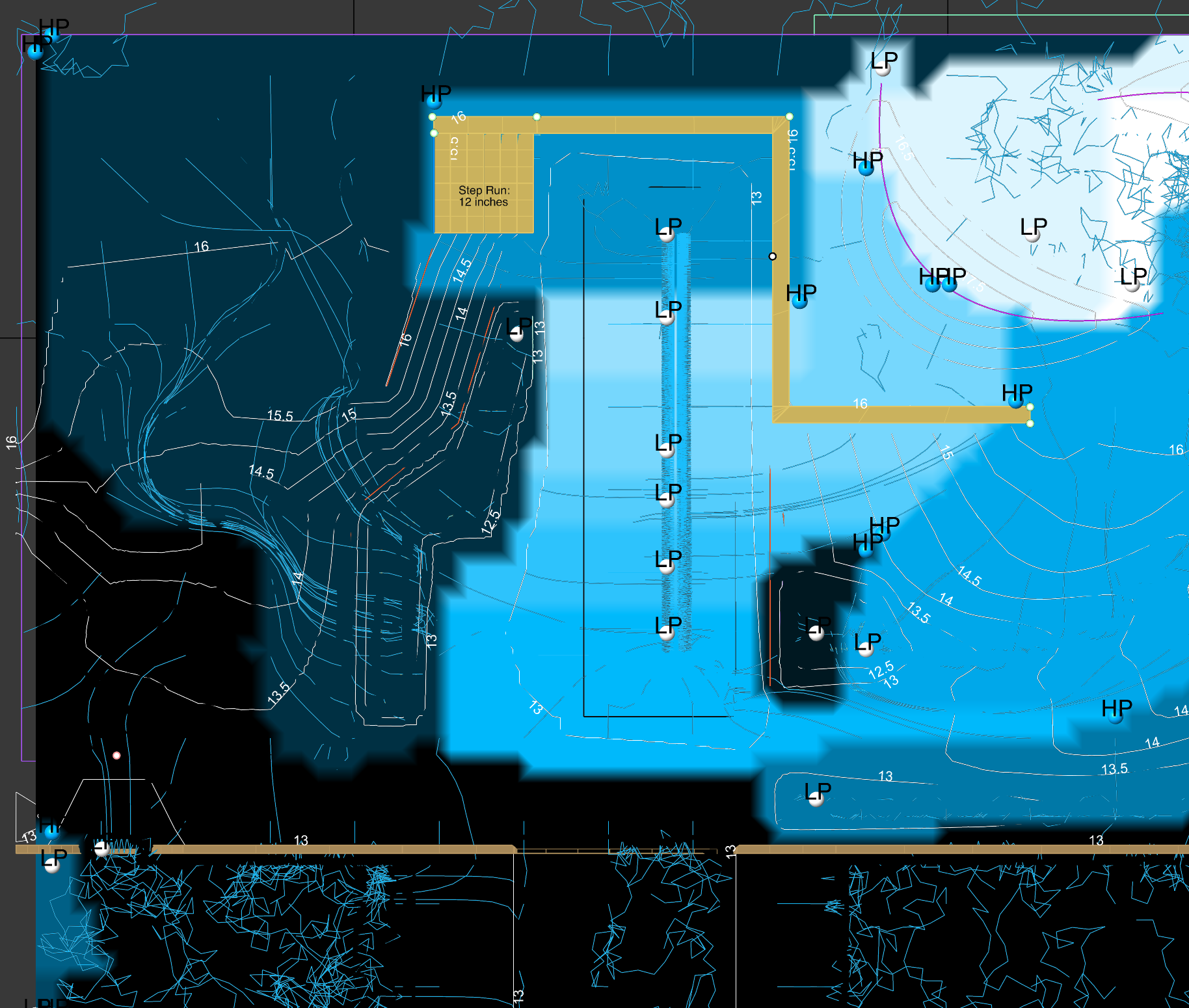
Topo
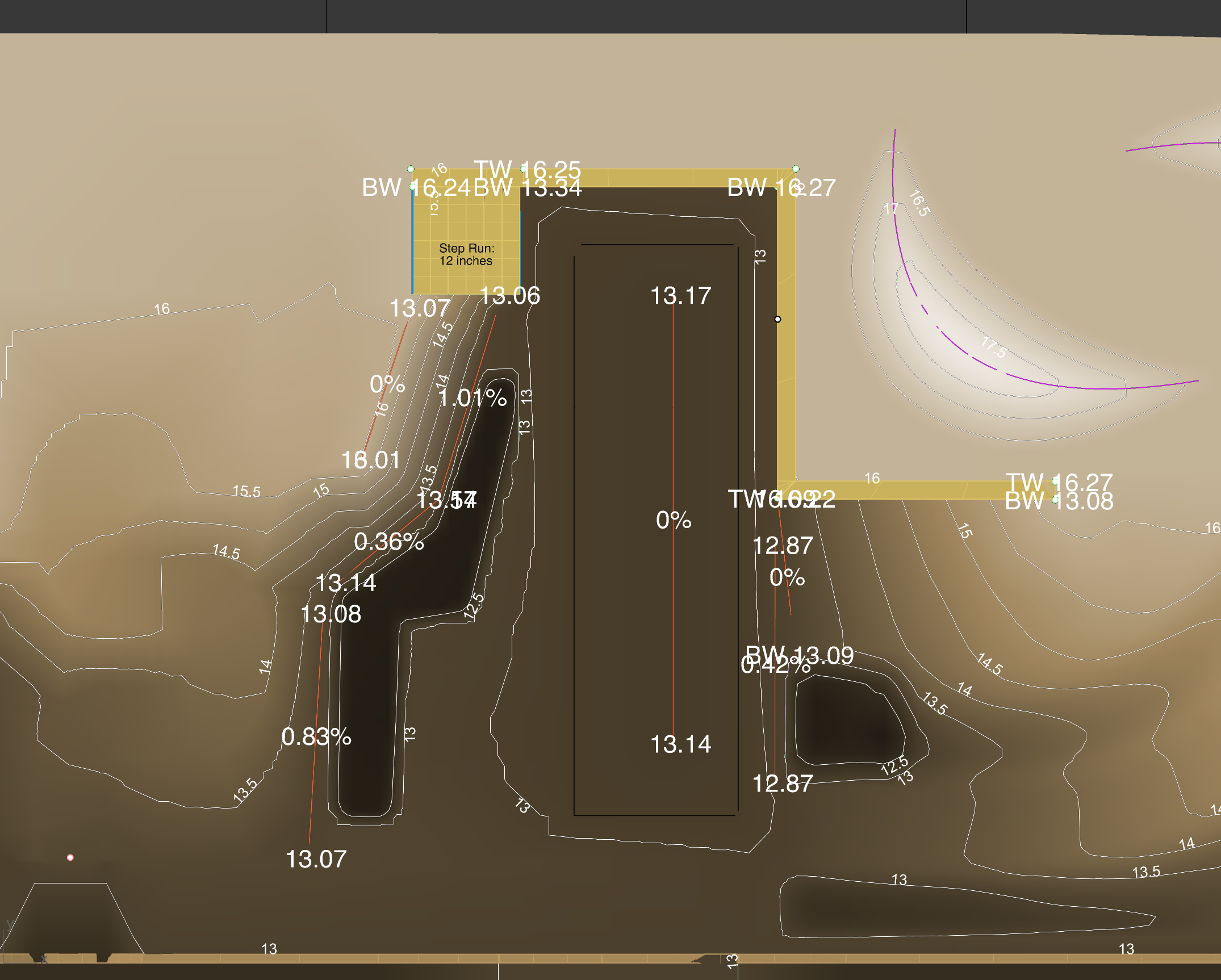
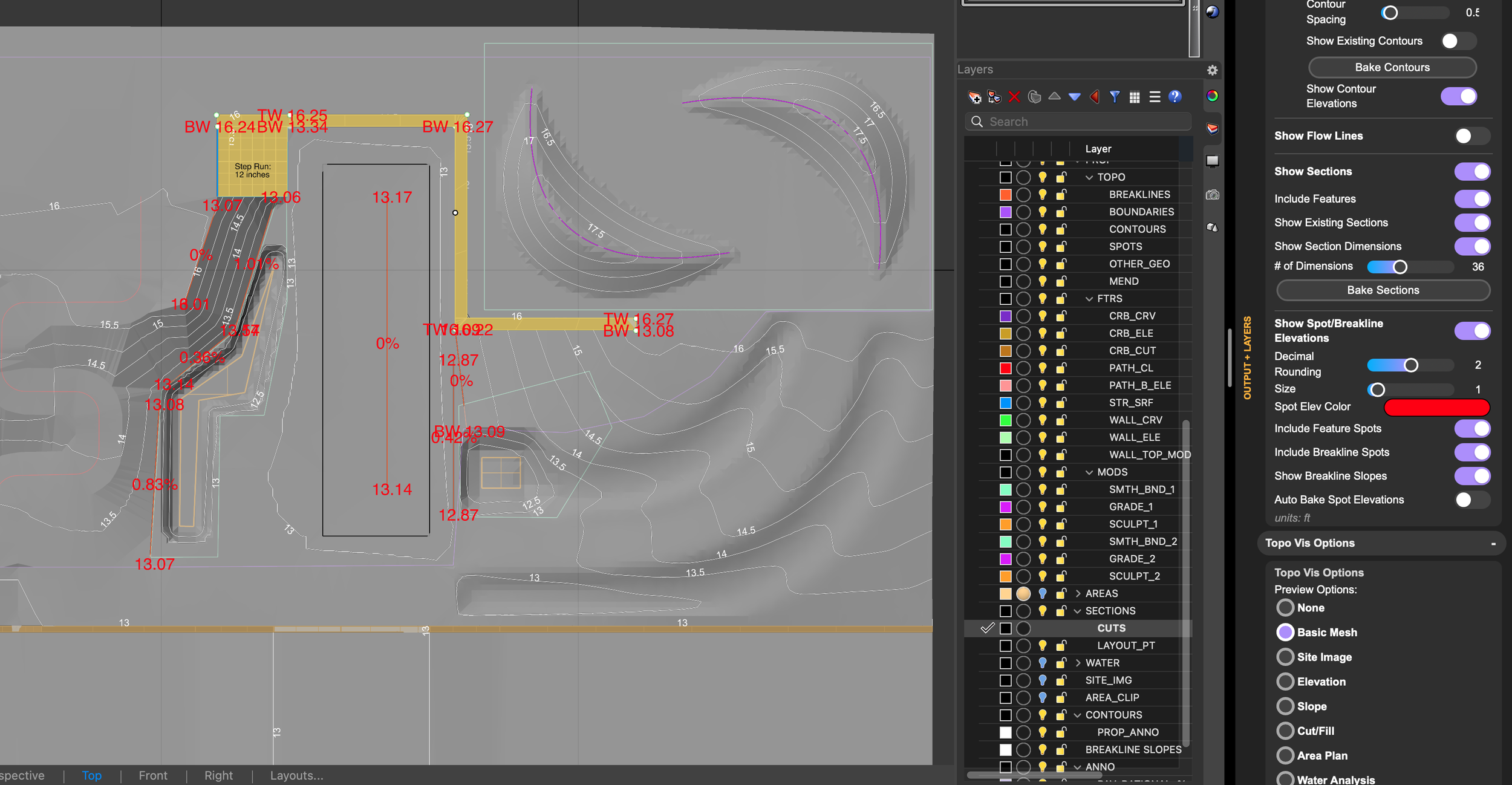
We included annotations for spots, walls, contours, and breaklines.
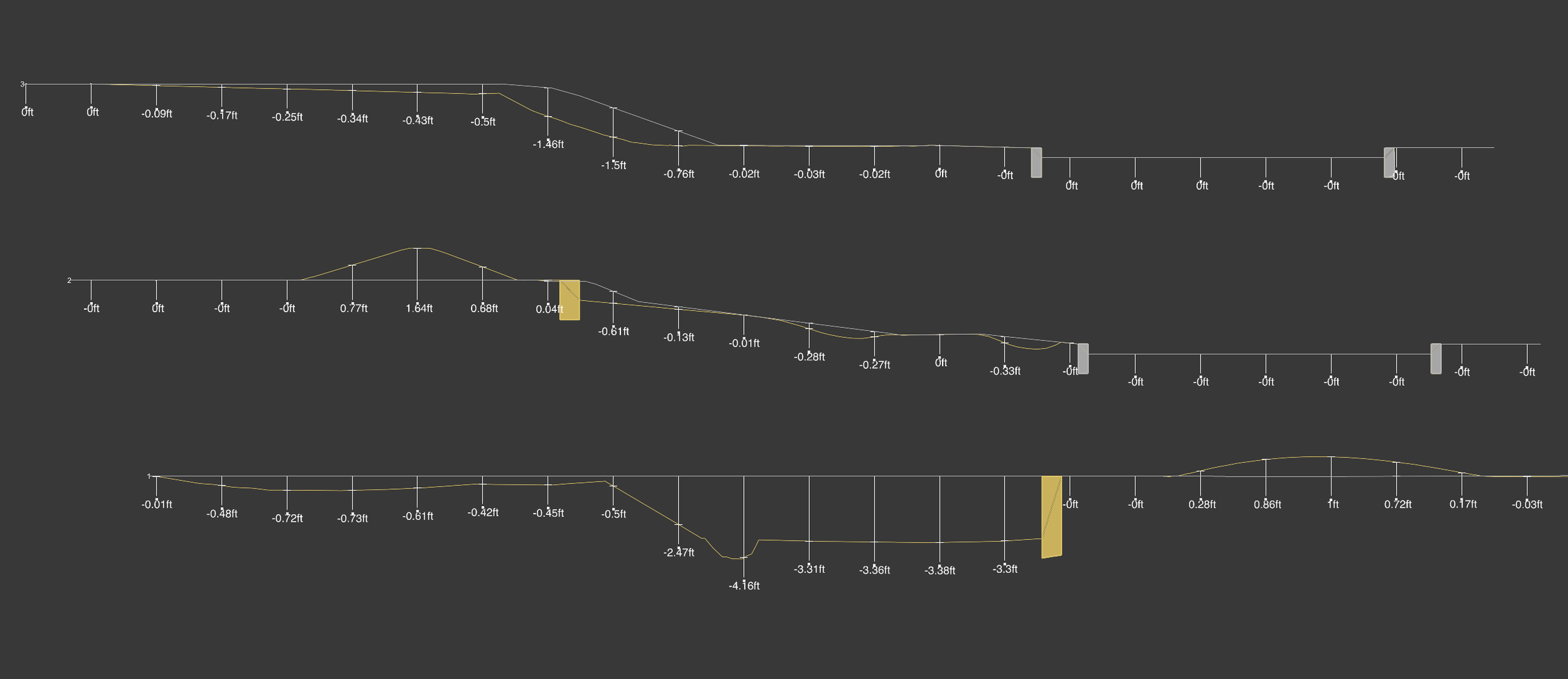
Proposed and Existing Sections are now shown together.
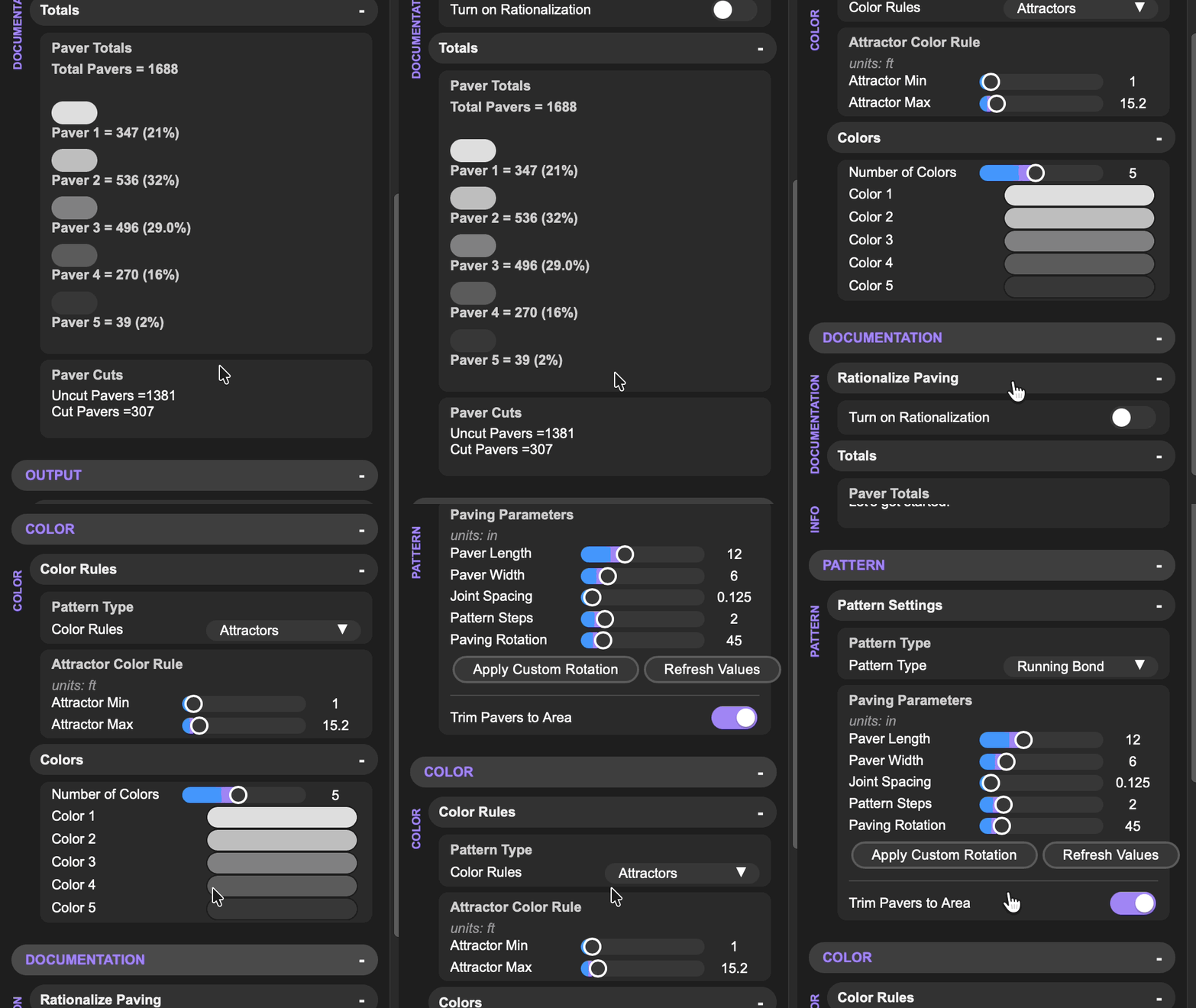
Paving
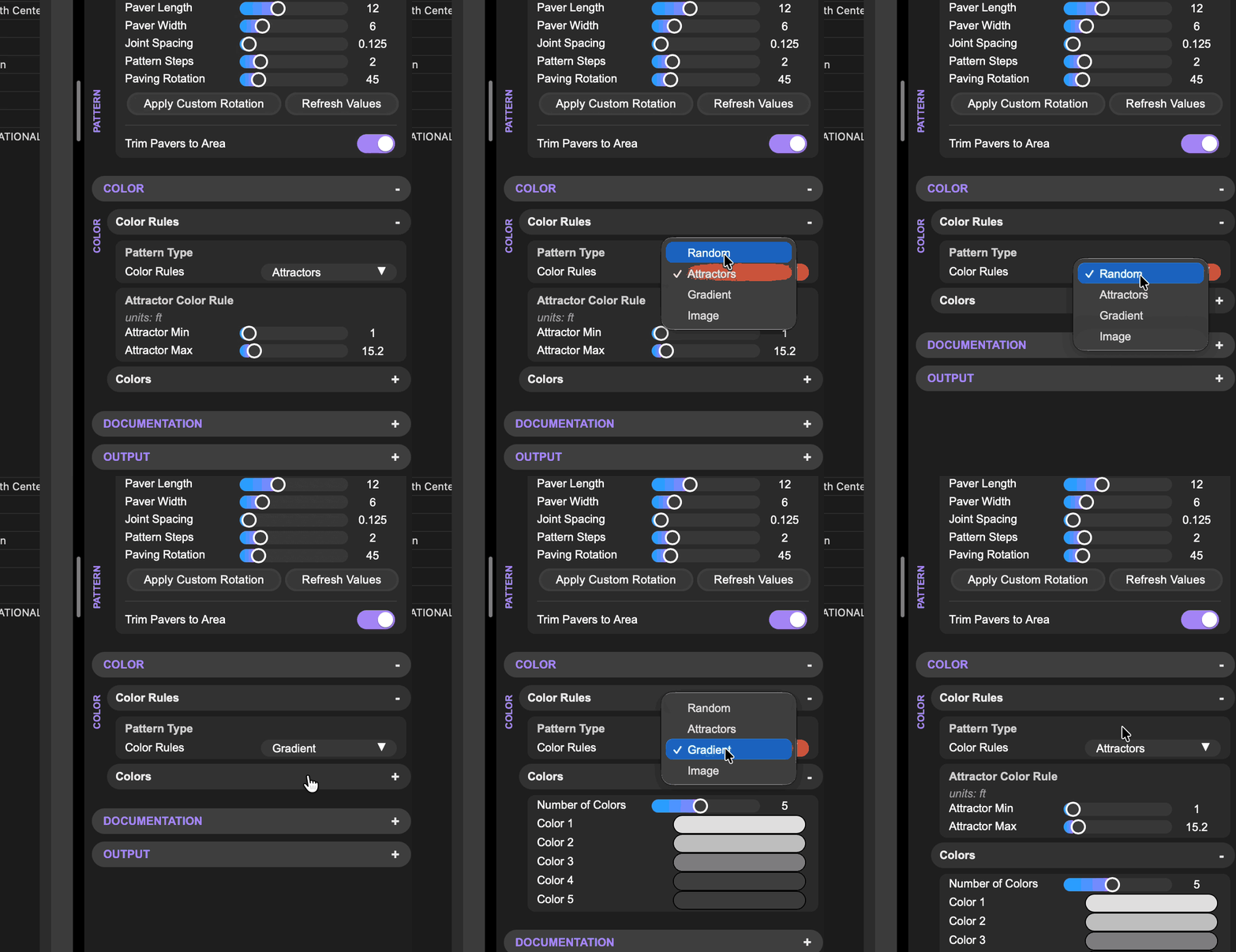
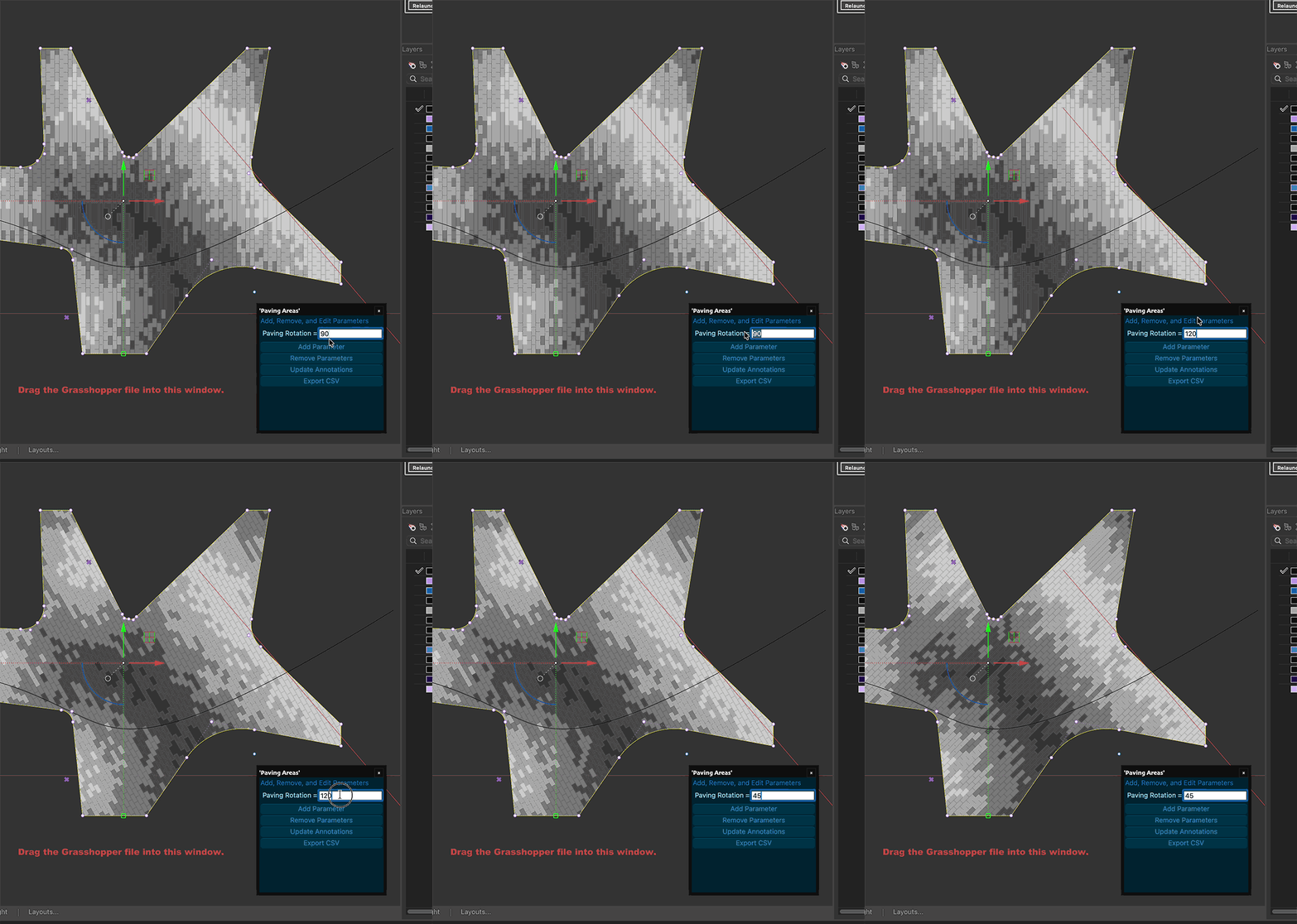
Change parameters for each paving area, like rotation per area.
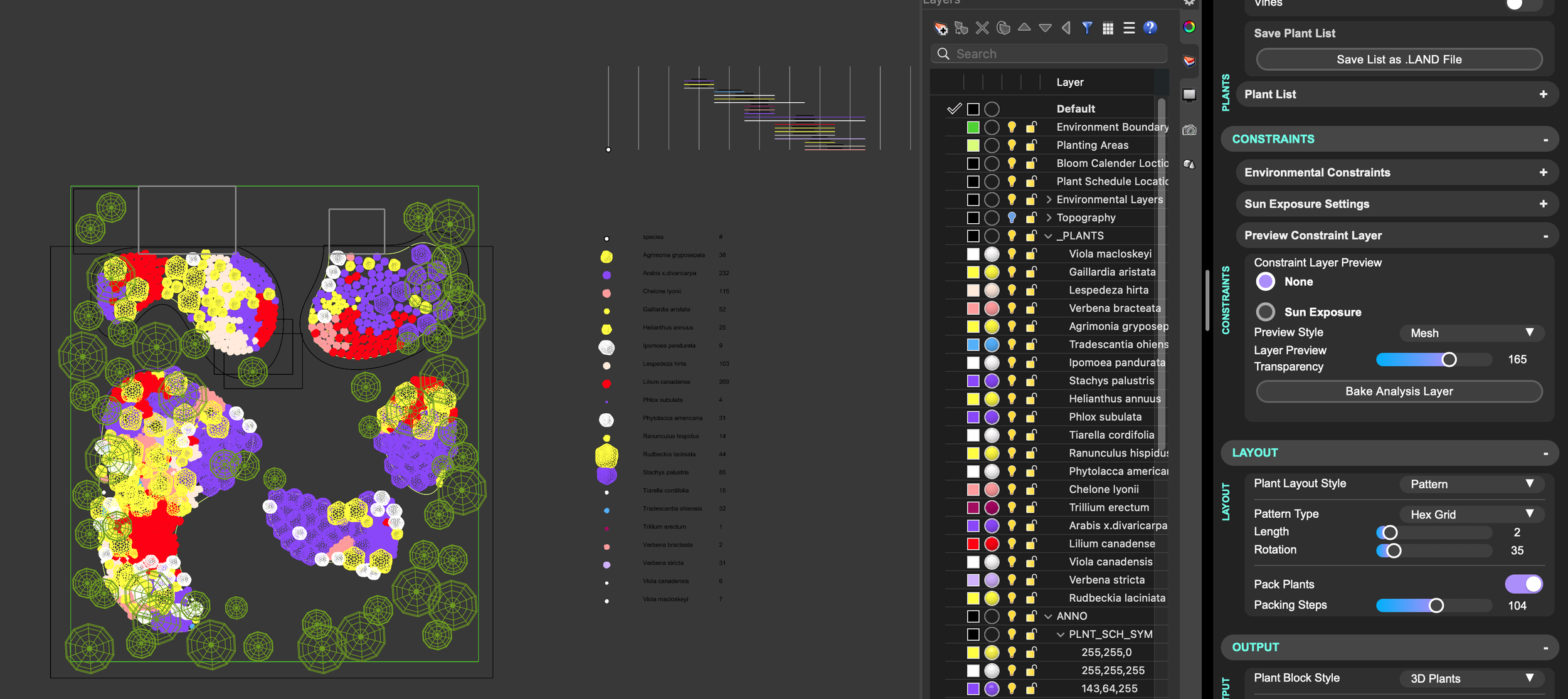
Planting
Use our new GenPlants database as a plant data option.
Flower Color constraint works on MAC.
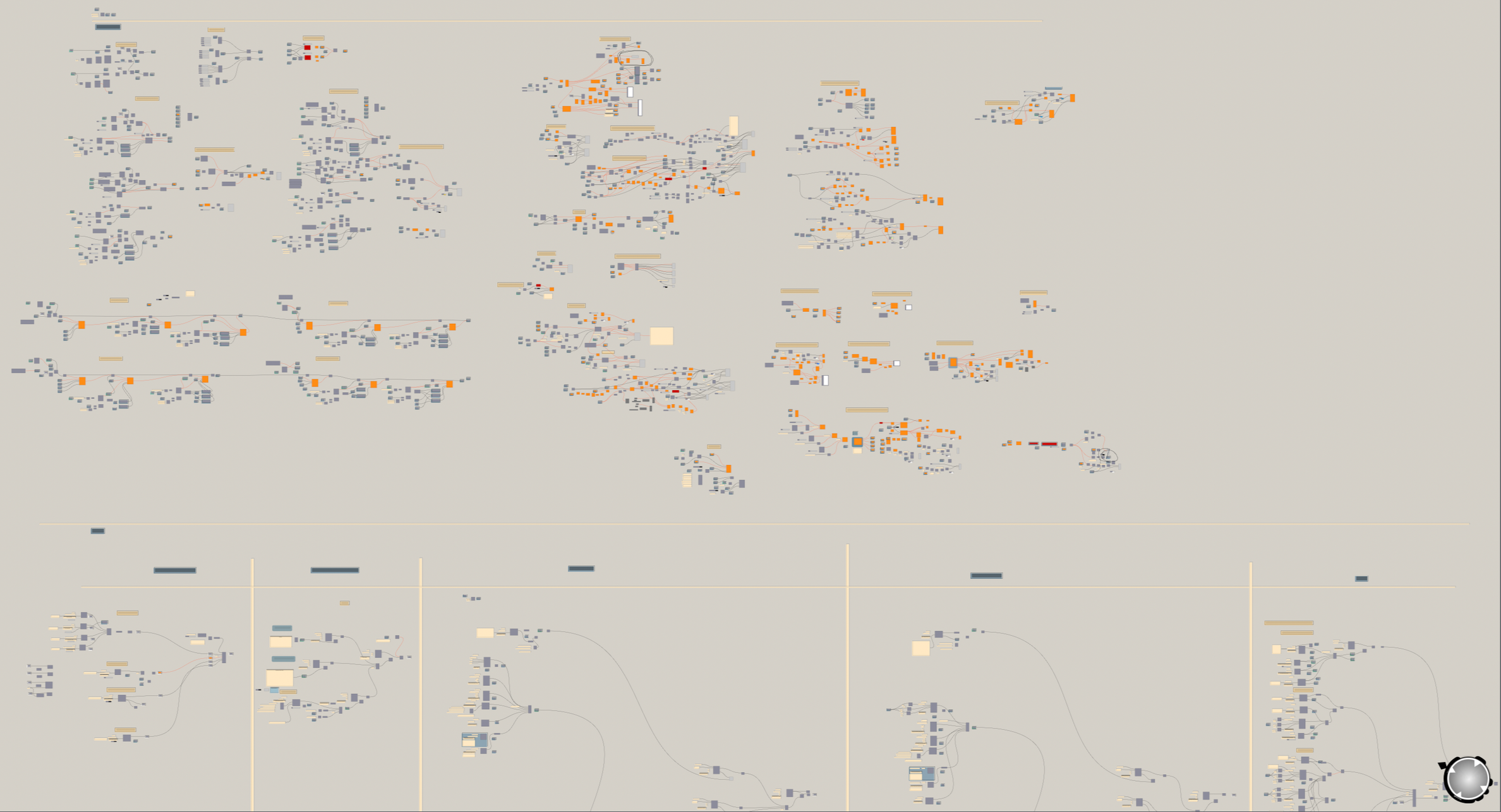
The Topo Workflow’s intelligent interface is built in Grasshopper.
Working with AI
In the age of AI, there is a growing narrative that traditional software is dead. The idea that you can simply prompt an AI to build custom tools for your professional workflow is super compelling and today both developers and non-developers are already using AI to generate scripts in Rhino and Grasshopper. However, this process often creates unexpected bottlenecks: AI misinterprets prompts, it generates inflexible "black box" code, or worse, it produces results that entirely miss the designer's original intent. Designers are left to debug complicated code and now have a much bigger job.
So how can we use AI in a way that allows users to change the process without building from scratch?
We are happy to announce that Land Kit now has specialized documentation geared towards AI models, making it significantly easier for you when building with AI tools in Rhino (like Raven, ArchiHacks, cordyceps, Reer, or Ant). These tools help you to build Grasshopper scripts, change Rhino geometry using AI models, and provide assistance with learning, now even more intelligently with Land Kit.
And the benefit?
Workflows built with Land Kit are simpler to understand and to change; both for humans and AI. We make the black box transparent, allowing for understandable scripts and repeatable results.
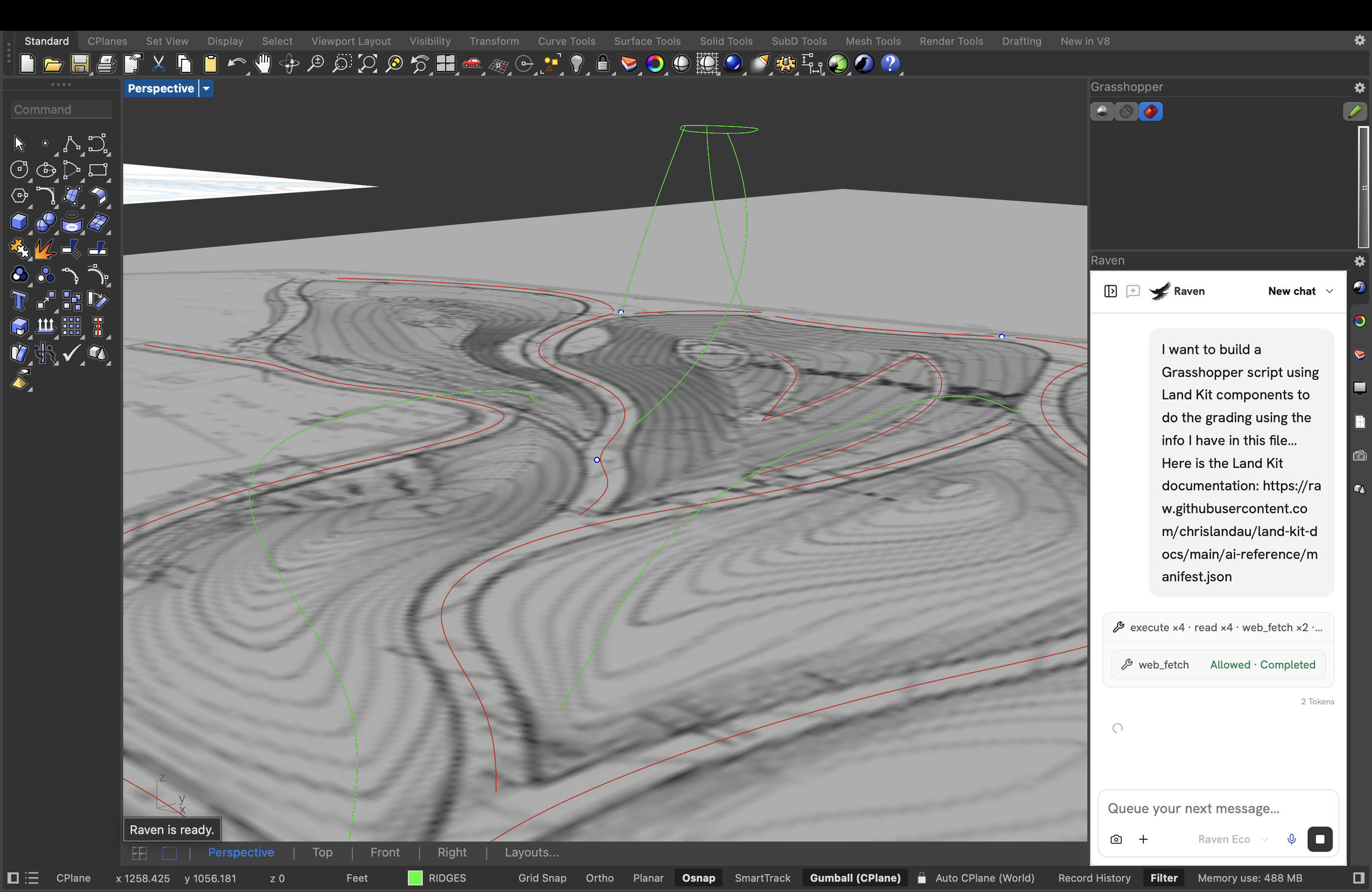
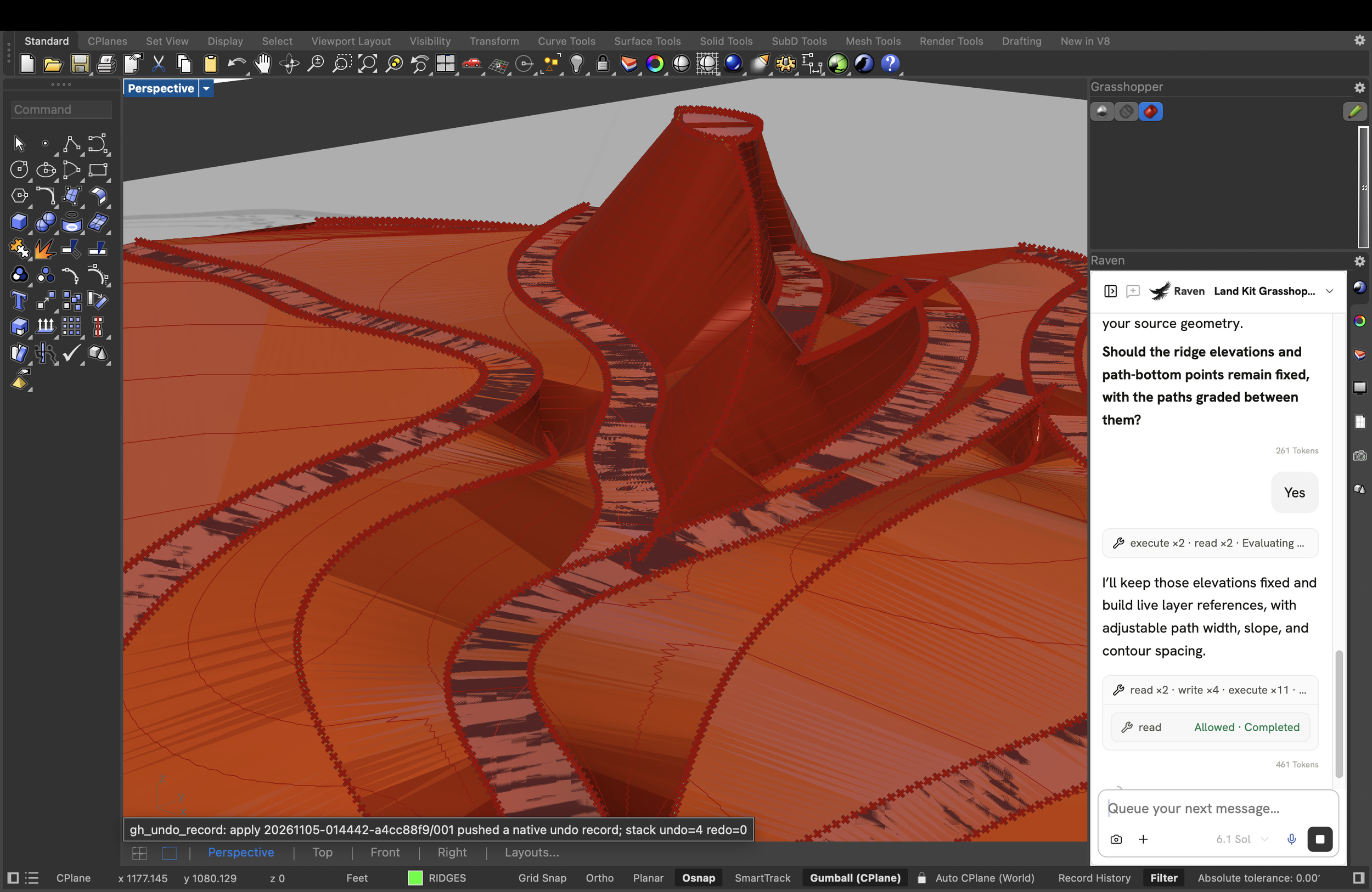
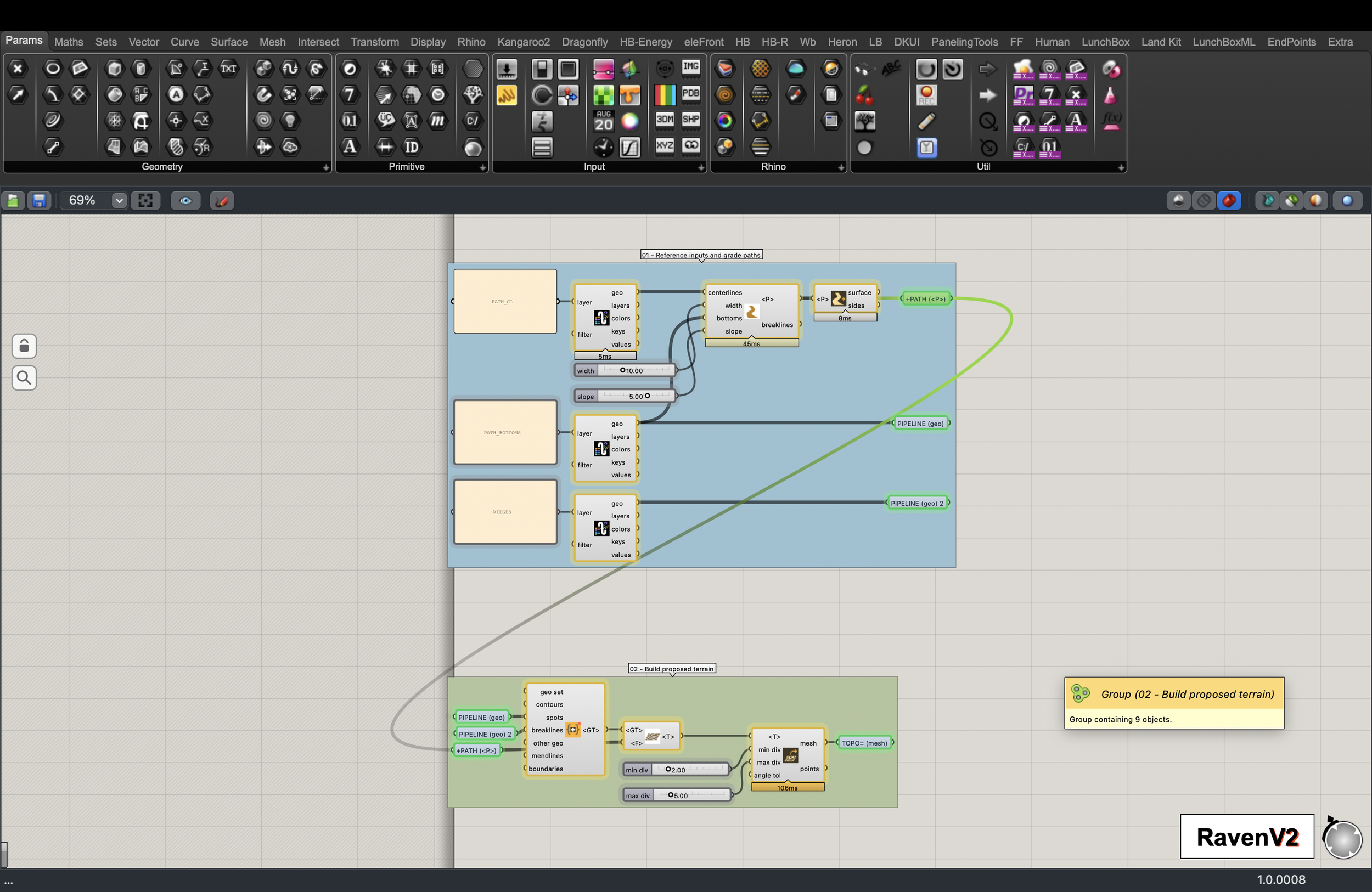
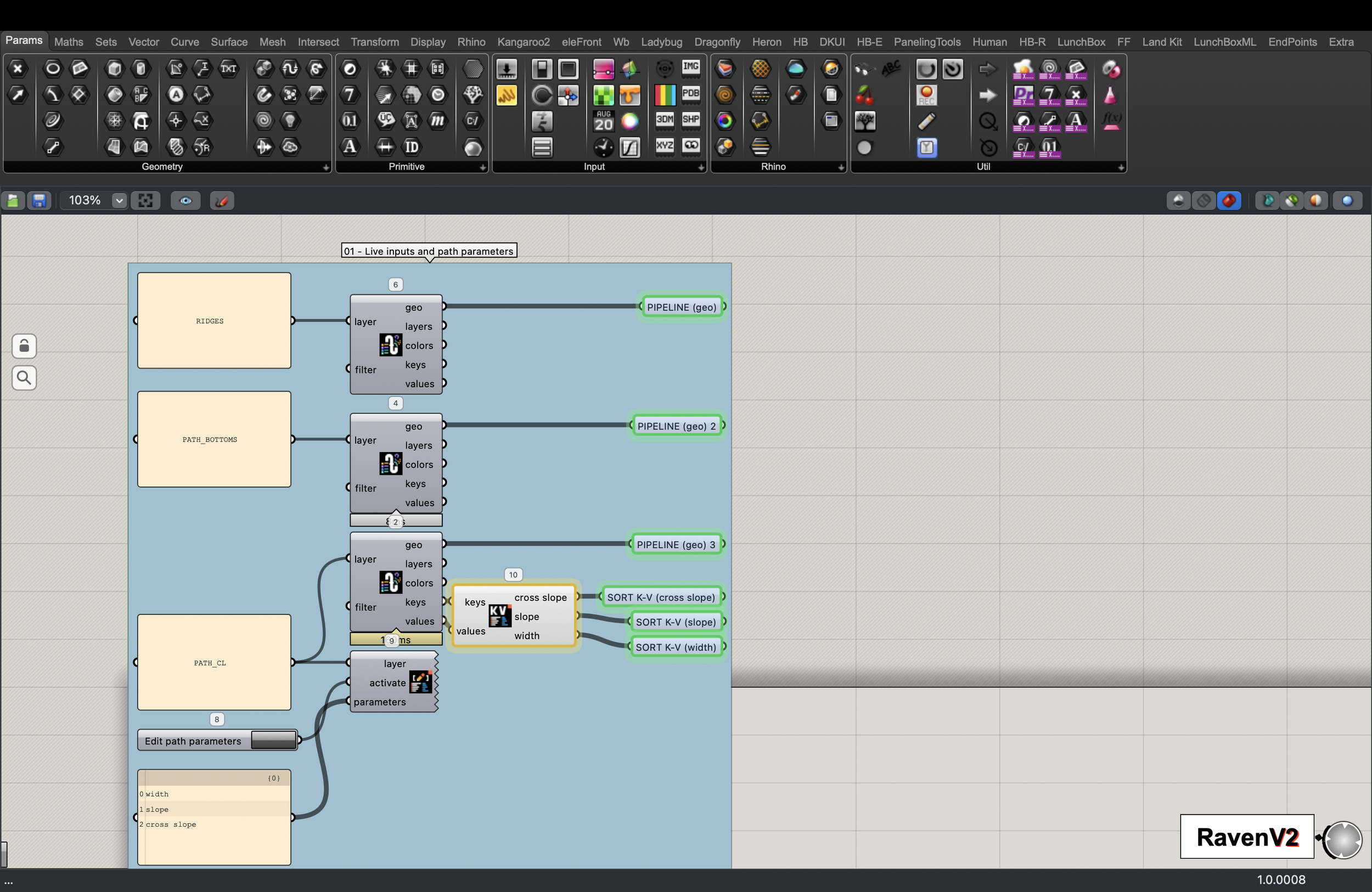
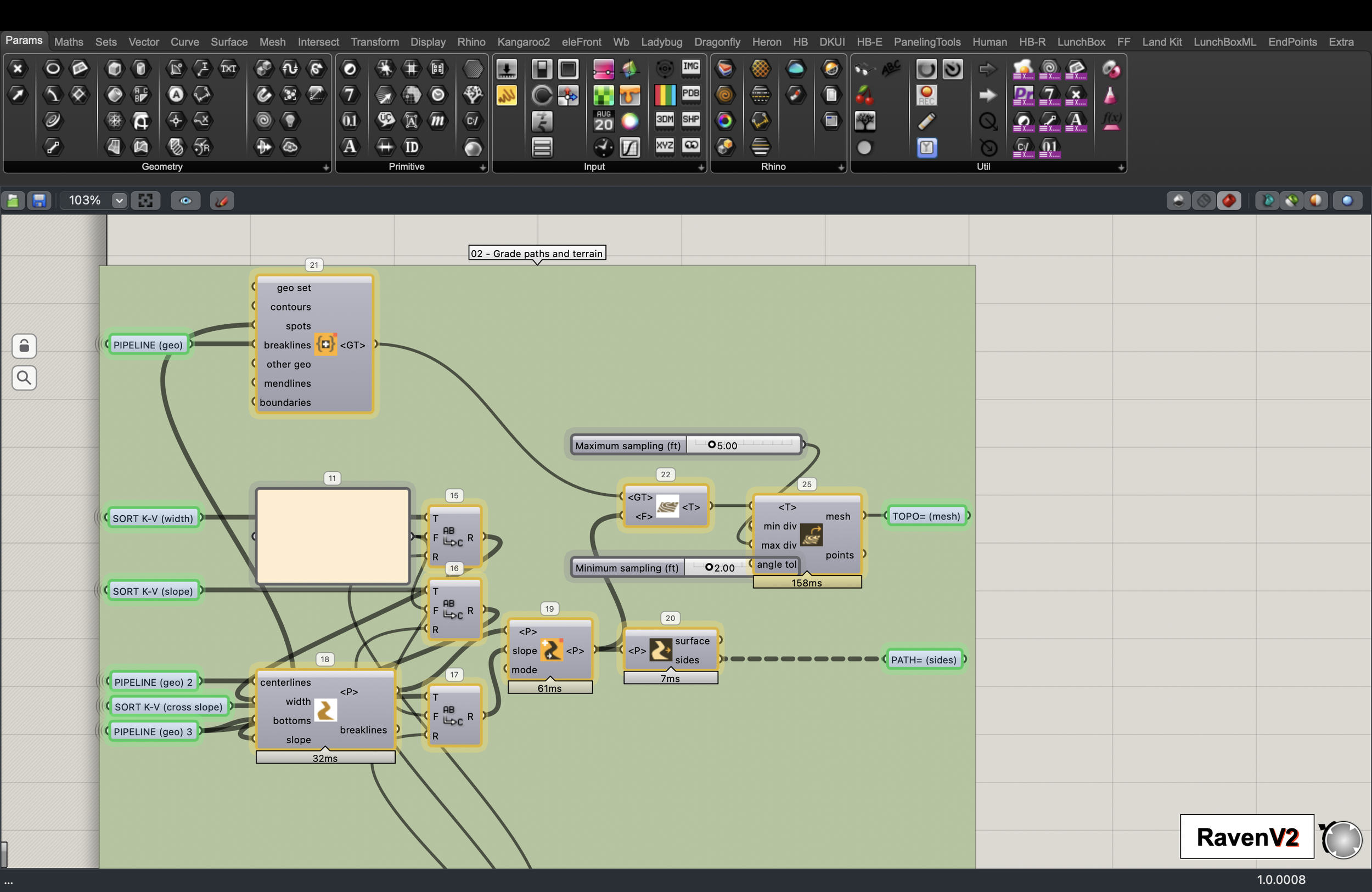
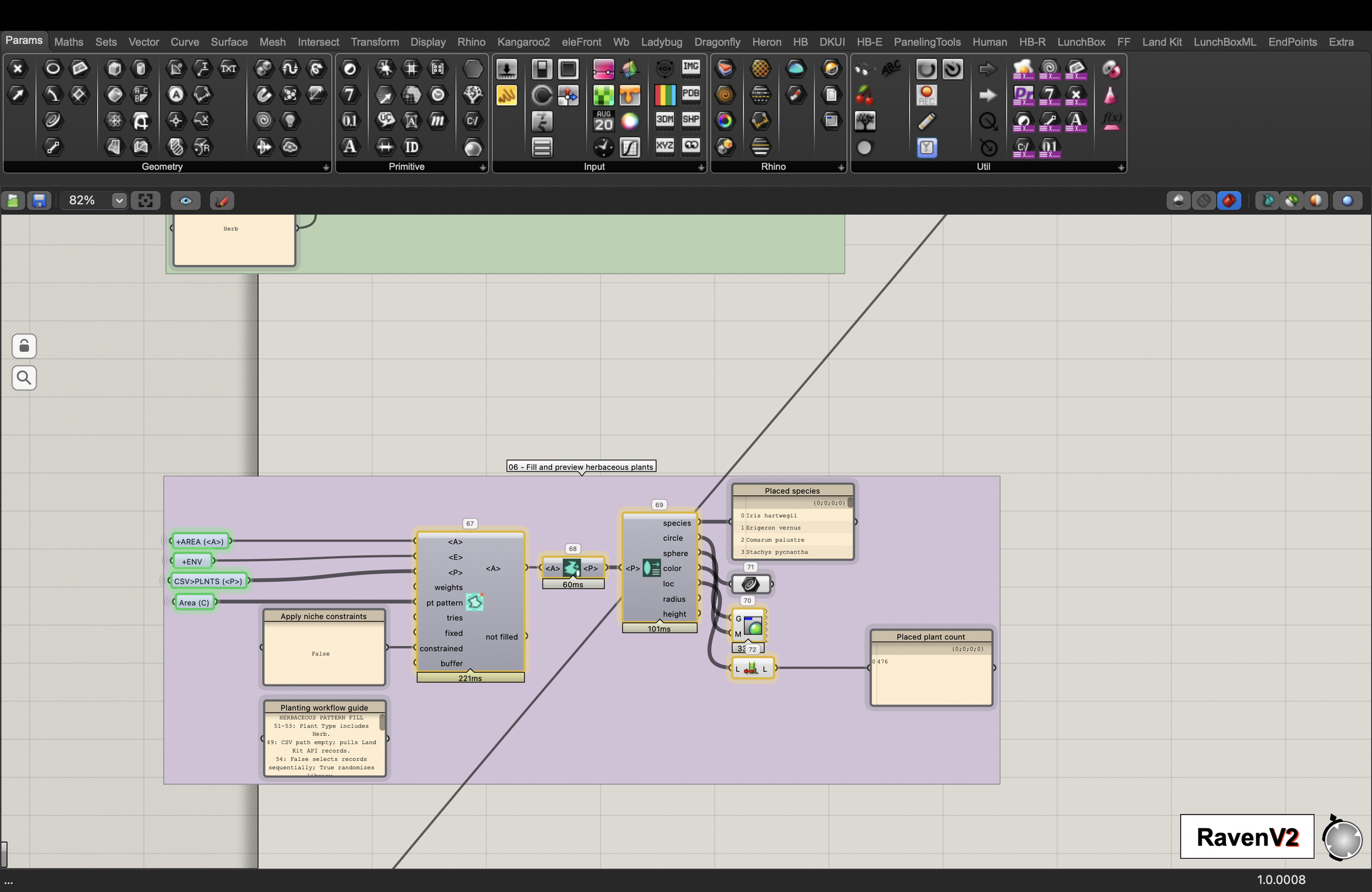
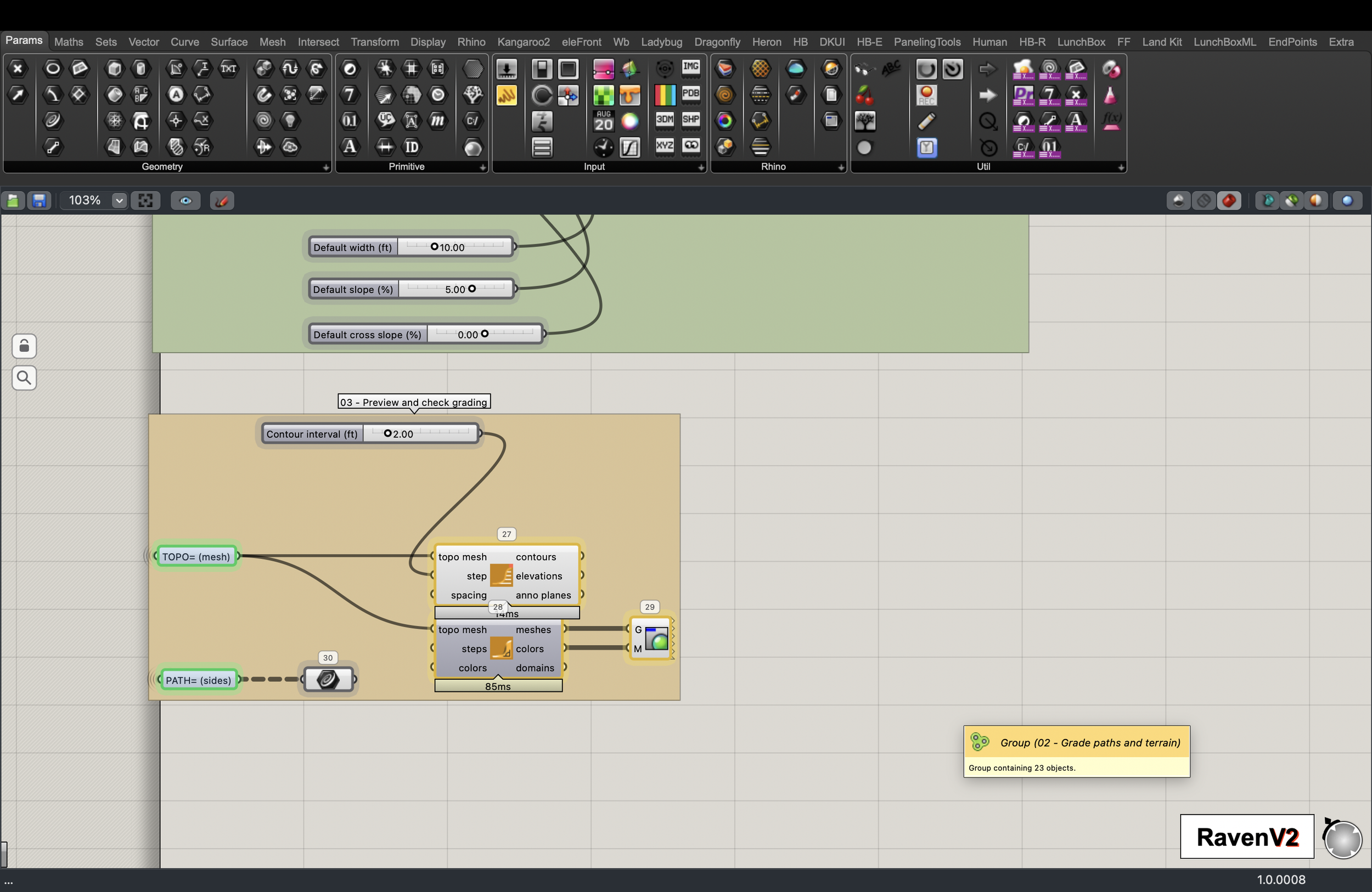
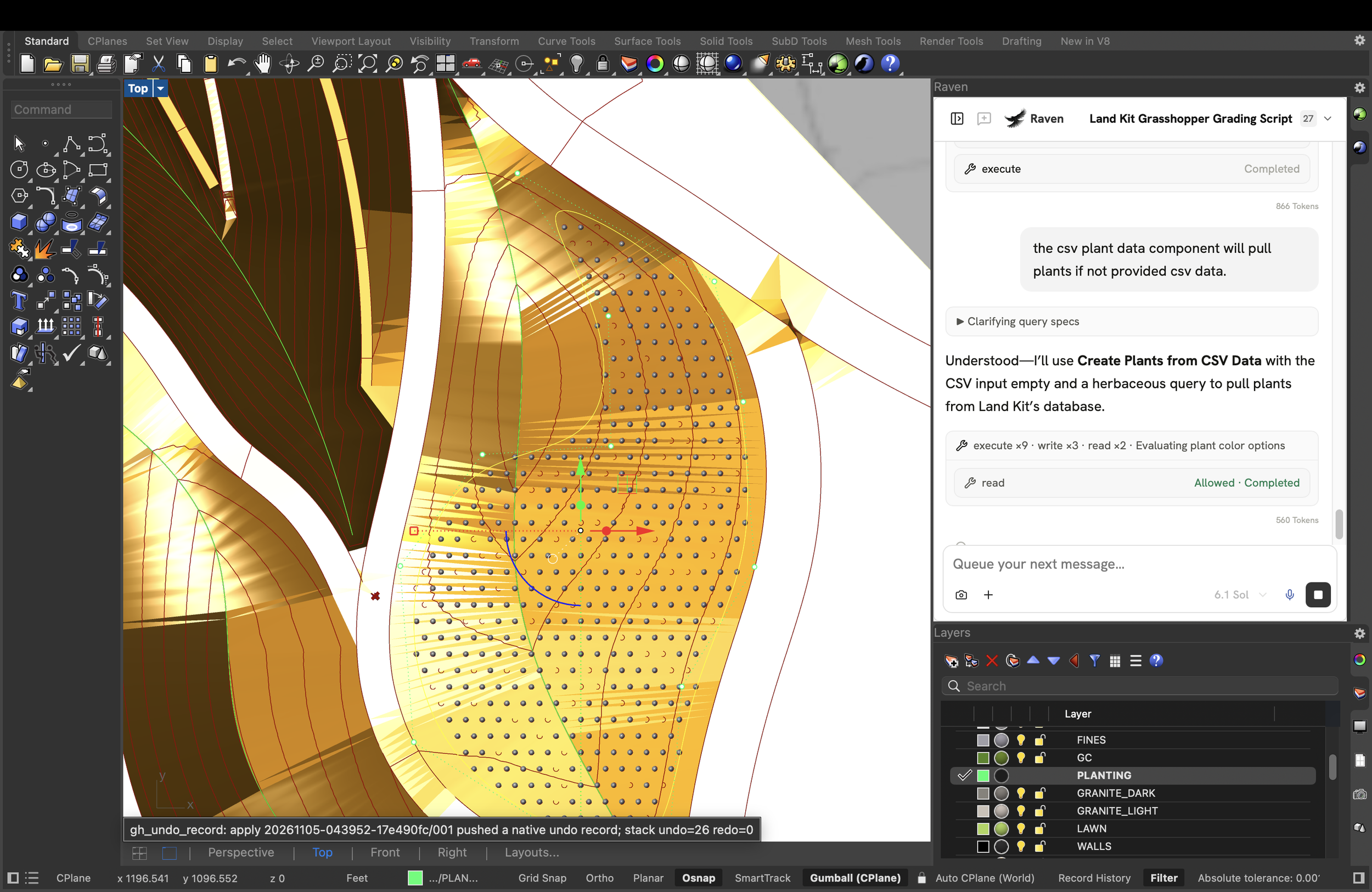
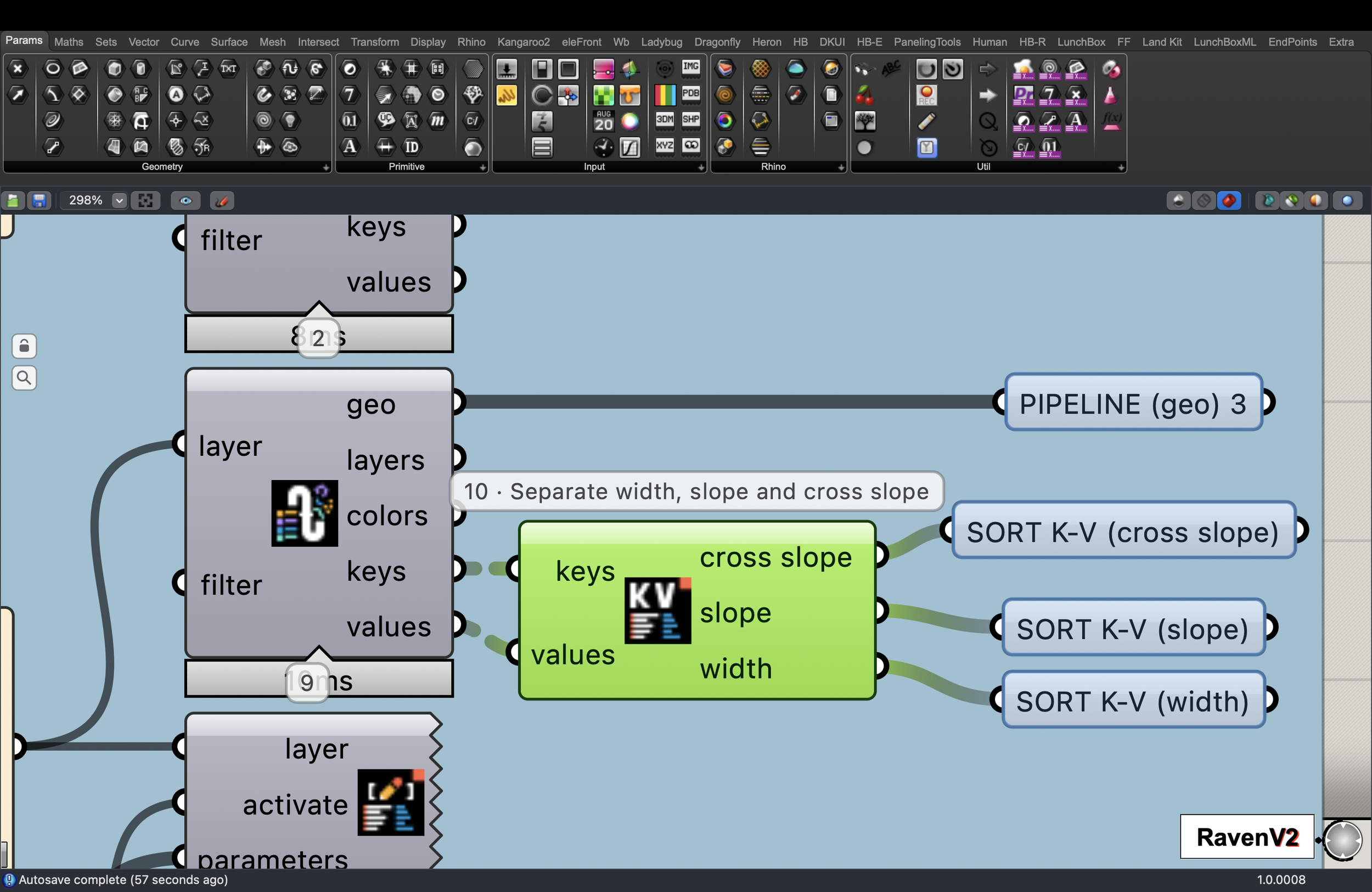
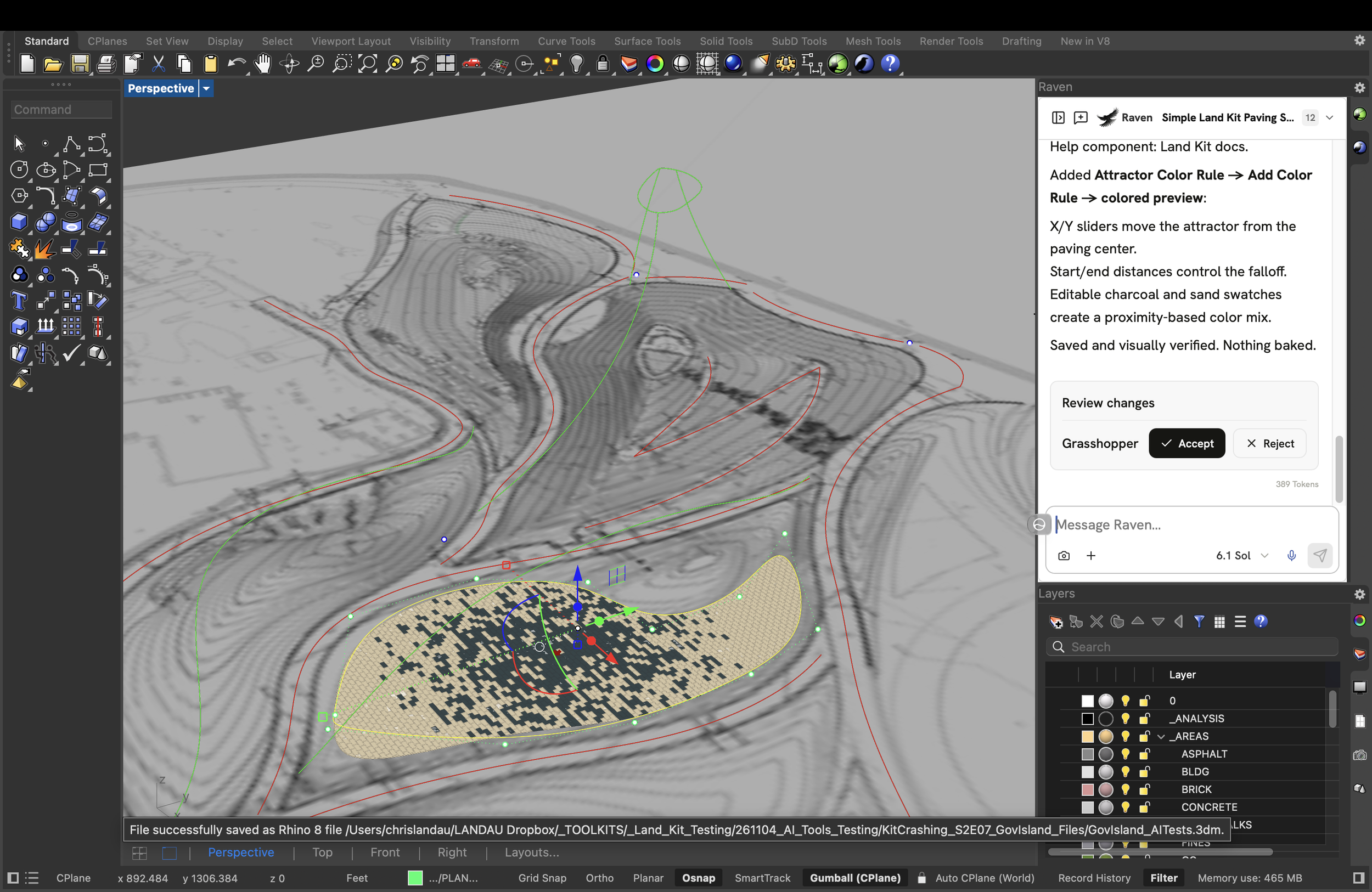
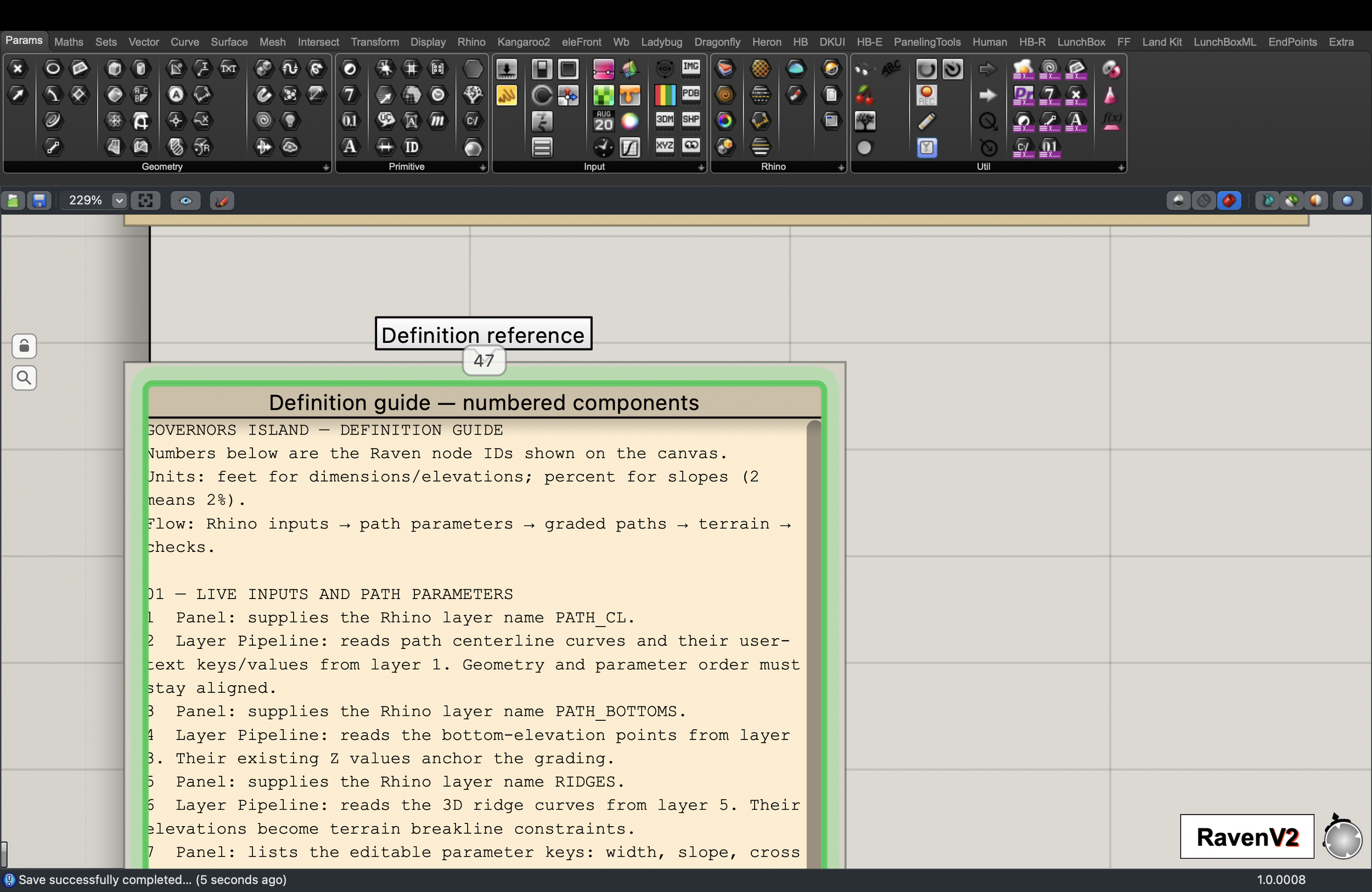
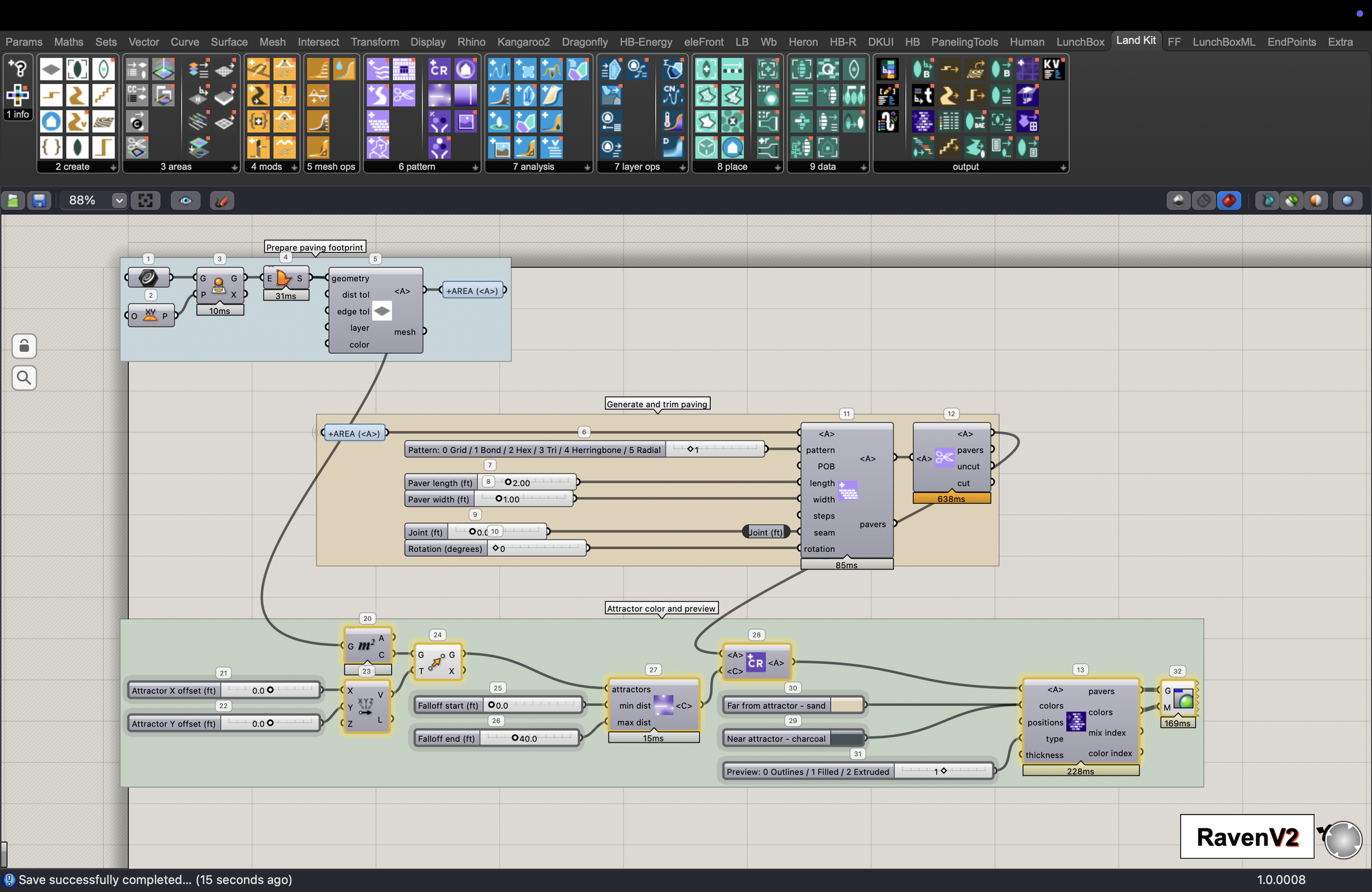
👆Working with an AI editor like Raven, you can now build easier-to-edit scripts with Land Kit components like the ones above; for you or AI.
At LANDAU, we recognize AI's immense potential, but we also know it needs proper guidance. To solve this transparency problem, we provide the blueprints the AI needs to generate clean, user-friendly, and highly customizable scripts. Just tell the AI to “Look at the Land Kit Help component” when you begin.
Major Features & Improvements to Land Kit 2.3
Land Kit 2.3 is the most reliable release yet, with powerful tools for customization. It’s a great tool to use in combination with AI or with one of our prebuilt Workflows.
🚦Custom Curb Cuts & Topography Smoothing
The Curb Cuts and Topo Smooth mods join our suite of other customizable mods and features (Paths, Cross Slope, Grade Mod, Sculpt Mod, etc). So now you can set custom parameters for each curb cut or smoothing area, all with one component.
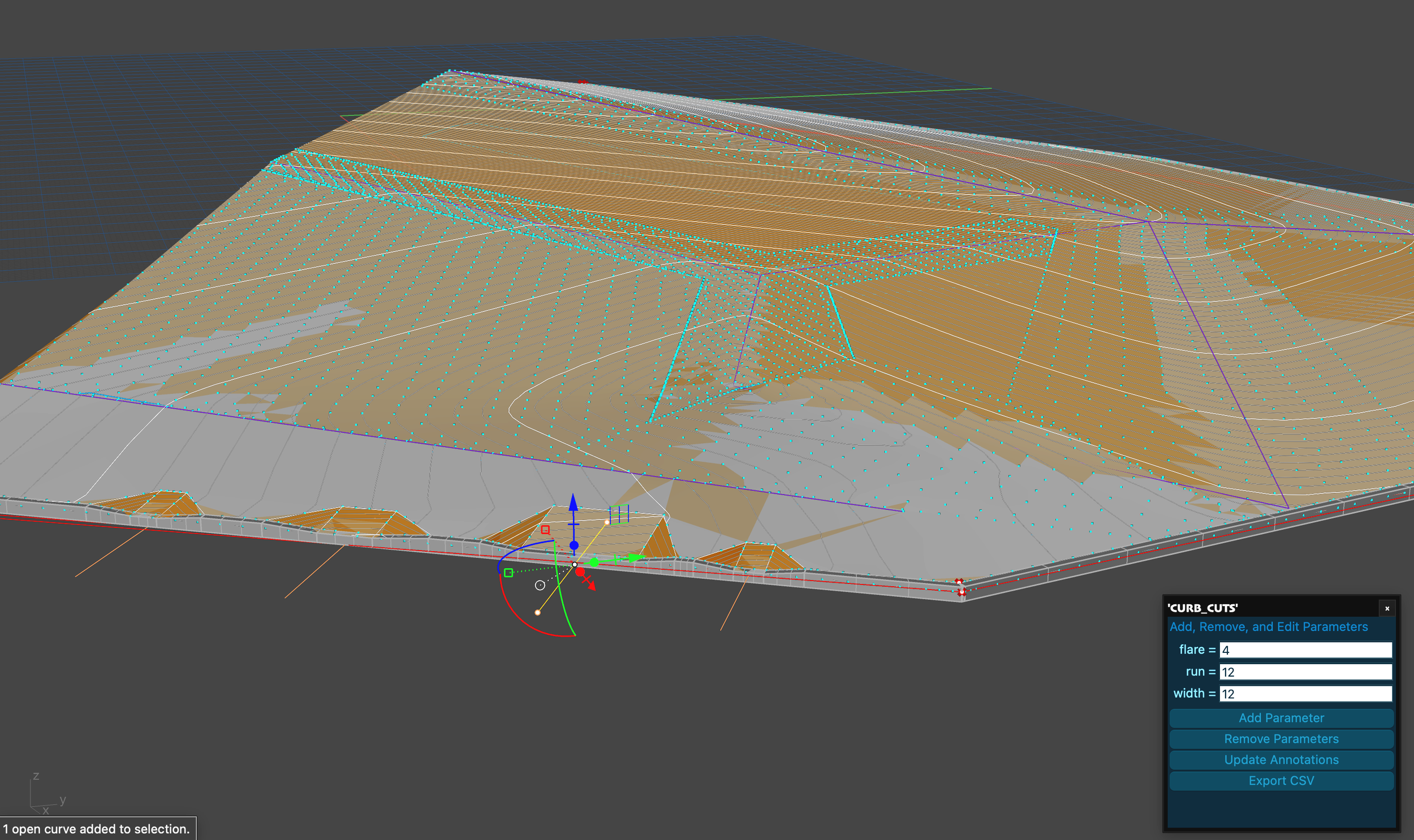
Assign different values for different curb cuts or smoothing boundaries.
Customize Parameters Window
The Customize Parameters Window is how people can change parameters quickly. We’ve updated our Topo and Paving Workflows for you to take advantage of this right away.
Layer Switching — Updates layers and parameters when switching between layers so you don’t have to launch a window for every layer.
Textbox Editing Improvements — Editing parameters is now easier with greater focus and smoother interaction.
🌿 Introducing the GenPlants plant database
GenPlants is our new online plant data API. It is a fork of the ERA plant database. This database will be called when no CSV is provided for the “Create Plants from CSV Data” component. The list will continue to be updated and improved and it will provide a default for Land Kit moving forward. You can still use your own data at any point.
Plant Queries
CSV queries also work for filtering GenPlants.
☀️ Sun Exposure Analysis Improvements
Land Kit requires sun vectors for the Sun Exposure analysis layer component. Now, when no vectors are provided, Land Kit will find sun vectors for you using custom APIs. You just need to set your “EarthAnchorPoint” in your Rhino file.
🖊️ Bake Text Component Overhaul
Bake Text can now accept multi-branch data inputs. For each branch, you can provide a unique value for layer, color, font, size, alignment, etc.
🎨 Color Constraint Improvements
Fixed color constraint-checking issues specific to macOS planting workflows, further improving the workflows that work on the MAC.
📐 Layer Pipeline & Drawing Enhancements
Previously, Rhino could crash when changing geometry on multiple layers (when too many Layer Pipeline listeners were triggered at once). This issue has been resolved.
Layer Pipeline Control
Added behavior to pause Layer Pipeline during block editing. This improves workflow when making modifications to design blocks.
➰ Area Linework Improvements
Refactored area linework adjacency mode with hierarchical layer name extraction.
Added layer name deduplication for cleaner layer structure.
Improved handling of complex area relationships.
More Bug Fixes & Stability
Sun Exposure Controls: Sun Exposure now accepts "none" in the "other" input field.
Plant Loading: Resolved issues with empty plant lists during queries.
Timing Issues: Improved timing around environment operations to prevent slowdowns.
Previous Stability Improvements and Bug Fixes from Version 2.2
Draw Environment Layer as Mesh when only one value is present would break.
Fill Constrained would break with one plant.
Baking (materials will now only update if color changes).
Sun Exposure should be able to have no inputs in “other.”
Plant Schedule symbols (removed first symbol).
Planting Query was too loose (included empty cells).
Land Kit continues to grow with you. Just like the computational workflows we build, our development process is highly iterative, constantly refining and optimizing the software based on real-world use. Our team is here to help your team. It is all of this that makes Land Kit the definitive toolkit for landscape designers.
Watch our Instagram and LinkedIn for examples, info sessions, and upcoming workshops.
And as always, sign up for a free 30 days here.
-The Kit Crew at LANDAU